




 Sign in


 Profile
 Signout
BITSAT Iteration 1 Result 2026 Declared: Check Seat Allotment at bitsadmission.com
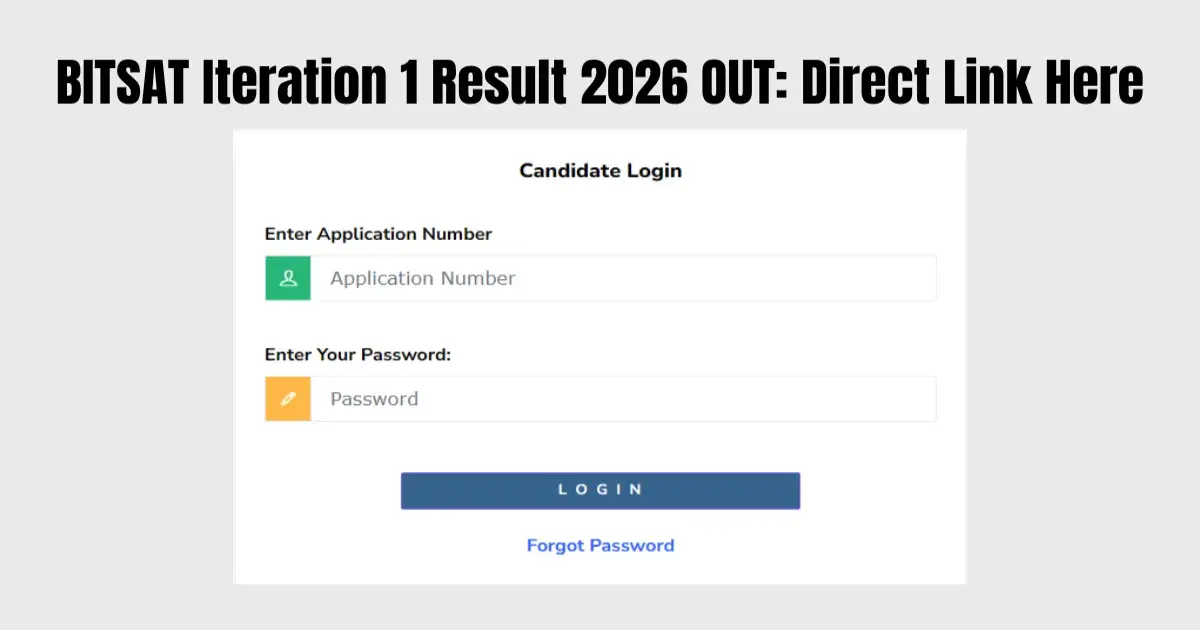


Bits Pilani, the leading private university in India, has declared the Iteration 1 seat allotment results for BITSAT 2026 on 21st June 2026. Now aspirants can check the allotment status of their seats by logging into the official admission portal of BITS Pilani through the login credentials issued by the university to them at their registered email IDs.
Only those candidates, who have submitted the First Degree Preference Form and the counselling fee, will be able to check their allotment status.
👉 DIRECT LINK – BITSAT Iteration 1 Result 2026
How to check BITSAT Iteration 1 Result 2026?
Here are the simple steps to check your BITSAT Iteration 1 Result 2026 online:
- Use the official admission website at bitspilaniedu.com
- Use your application number and password to login
- Your BITSAT Iteration 1 Result 2026 will appear on the screen
- Check your details and download the result for future reference

BITSAT Iteration 1 Result 2026: Important Points
- Allotted students must complete the next admission steps and pay the admission fee by June 26, 2026.
- Students who didn't get a seat in the first round, or who are on the waiting list, will be eligible for the upcoming iterations.
- Students should keep track of all deadlines and admission guidelines so they don't lose their candidature.
- It is advised that candidates keep checking their email box regularly for all admission-related information.
---
👉 JEE Main & Advanced Study Material




 Home
Home
 Quiz
Quiz
 Short News
 Web Story
 Get latest Exam Updates







