




 Sign in


 Profile
 Signout
NIOS Class 10 Result 2026: Direct Link, How to Check Online & Re-evaluation Last Date
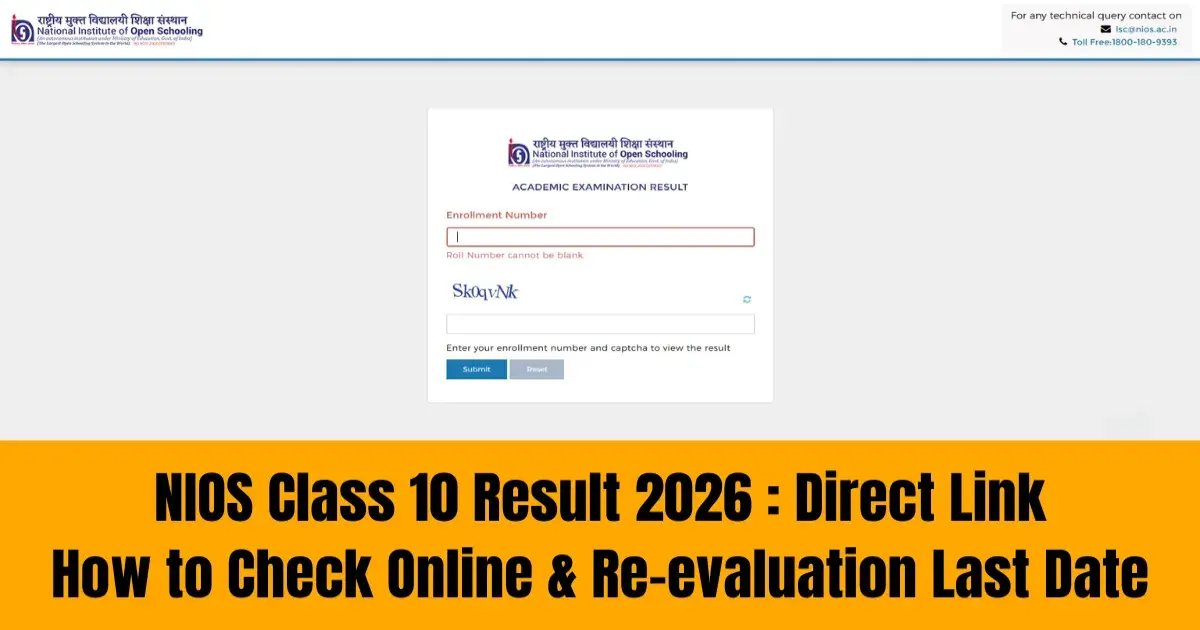


The National Institute of Open Schooling (NIOS) has declared the NIOS Class 10 Result 2026 for the April-May public examinations. Students who appeared for the Secondary exams can now check and download their scorecards from the official NIOS result portal.
👉 Direct Link: NIOS Class 10 Result 2026
👉 Direct Link: NIOS Class 10 Re-evaluation
The online marksheet includes subject-wise marks and other important exam details. Students need their enrolment number to access the result.
As per the data shared by NIOS, 1,15,414 candidates registered for the Class 10 April-May 2026 exams. Out of them, 1,02,558 students appeared for the examination. The overall certification rate is 66.92 per cent.
Among female candidates, the certification rate stood at 64.93 per cent. For male candidates, the certification rate was 66.16 per cent.
How to Check NIOS Class 10 Result 2026 Online
Students can follow these simple steps to download their NIOS Class 10 marksheet:
Step 1: Visit the official NIOS result portal.
Step 2: Click on the link for “Secondary (Class 10) April-May 2026 Examination Result”.
Step 3: Enter your enrolment number in the login window.
Step 4: Click on the submit button.
Step 5: Your NIOS Class 10 result will appear on the screen.
Step 6: Download the scorecard and save it for future use.

NIOS Class 10 Re-evaluation Last Date 2026
Students who aren’t satisfied with their marks can apply for re-evaluation of their answer scripts. As per NIOS rules, students must submit re-evaluation requests online through the student portal within 15 days of the result declaration.
For the April-May 2026 examination, the last date to apply for re-evaluation is June 29, 2026. Applications submitted after the deadline won’t be accepted.
The re-evaluation option allows students to request a fresh checking of their answer scripts. To apply, students need to log in to the NIOS student portal using their enrolment number and password.
After logging in, candidates should go to the examination services section and select the re-evaluation option. They can then choose the subject or subjects they want to get reviewed, pay the required fee online, and submit the application.
After successful submission, students should download and keep the acknowledgement receipt for future reference. The re-evaluation window for the April-May 2026 exam session will remain open till June 29, 2026.
NIOS is expected to announce the re-evaluation results after the review process is complete. If there is any change in marks, it will be updated in the revised result records.
-
👉 NIOS Study Materials For Classes 10 & 12
| Free NIOS Study Materials For Classes 10 & 12 | |
| Secondary Class Resources | Senior Secondary Class Resources |



 Home
Home
 Quiz
Quiz
 Short News
 Web Story
 Get latest Exam Updates







