




 Sign in


 Profile
 Signout
ICSI CSEET Result 2026 Out: Direct Link, Scorecard, and Qualifying Marks
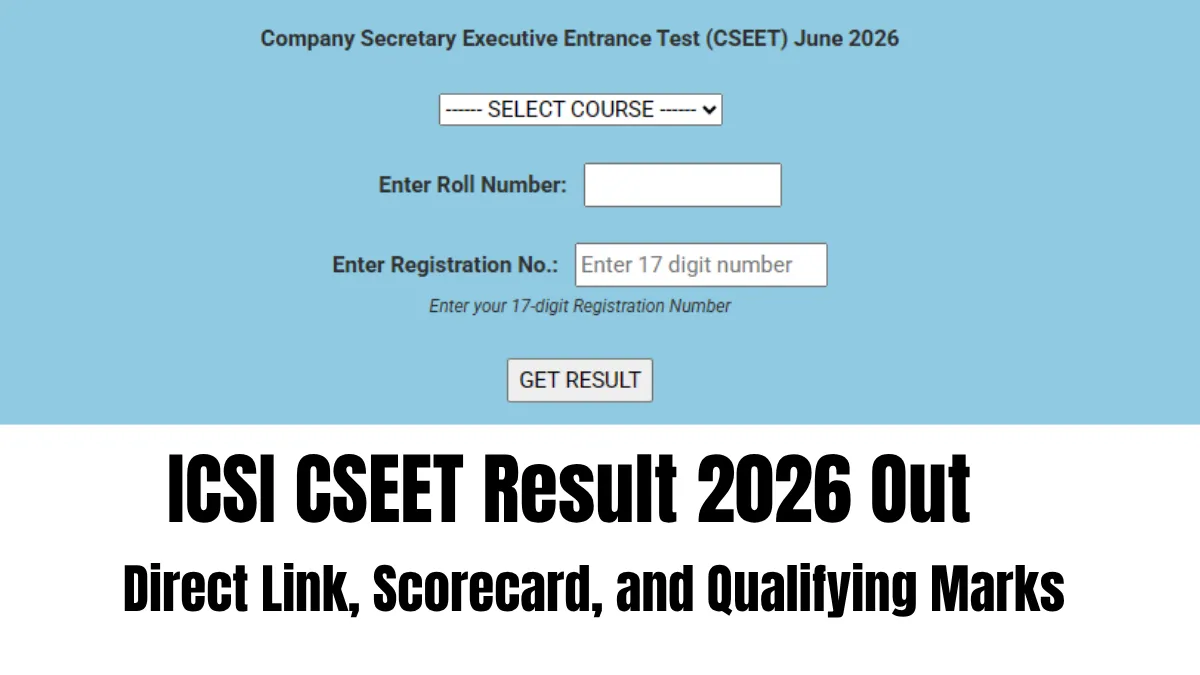

The CSEET June 2026 result has been declared by the Institute of Company Secretaries of India (ICSI) today, 15th July, 2026. Students who have appeared in the examination between June 1 – June 4 will be able to view their result and download the e-marks statement from the ICSI result website. (ICSI)
Students need to provide their roll number and date of birth while entering the result website.
👉 Direct Link: ICSI CSEET Result 2026
The result will consist of information related to the candidate including marks secured by the candidate paper wise along with his or her qualifying status.
There will be no hard copy of the result cum marks statement issued by the ICSI.
CSEET June 2026 Top Three Rank Holders
Gungun achieved the first position, Srishti bagged the second position, and Chavi Kamal Mittal stood third in the merit list. ICSI has announced the provisional merit list of selected candidates.
ICSI CSEET Result 2026: How to Download Scorecard
- Visit the official ICSI website.
- Open the CSEET June 2026 Result link.
- Enter your registration number and date of birth.
- Submit the login details.
- Check the result displayed on the screen.
- Download the e-marks statement and take a printout.
CSEET 2026 Qualifying Marks
The candidates are required to secure minimum 40% marks in each subject and 50% marks in total to qualify for the exam. There is no option of carry forward of marks or exemption in any particular subject.
---
👉 Also Check- CA Study Material
| CA Study Material | |
| CA Foundation Notes | CA Foundation Mock Test |
| CA Foundation PYQs | CA Intermediate Notes |
| CA Intermediate Mock Test | CA Intermediate PYQs |
| ICSI CSEET Notes | ICSI CSEET Mock Test |



 Home
Home
 Quiz
Quiz
 Short News
 Web Story
 Get latest Exam Updates







