




 Sign in


 Profile
 Signout
JIPMAT 2026 Admit Card Out: Direct Download Link at exams.nta.nic.in, Exam on June 7
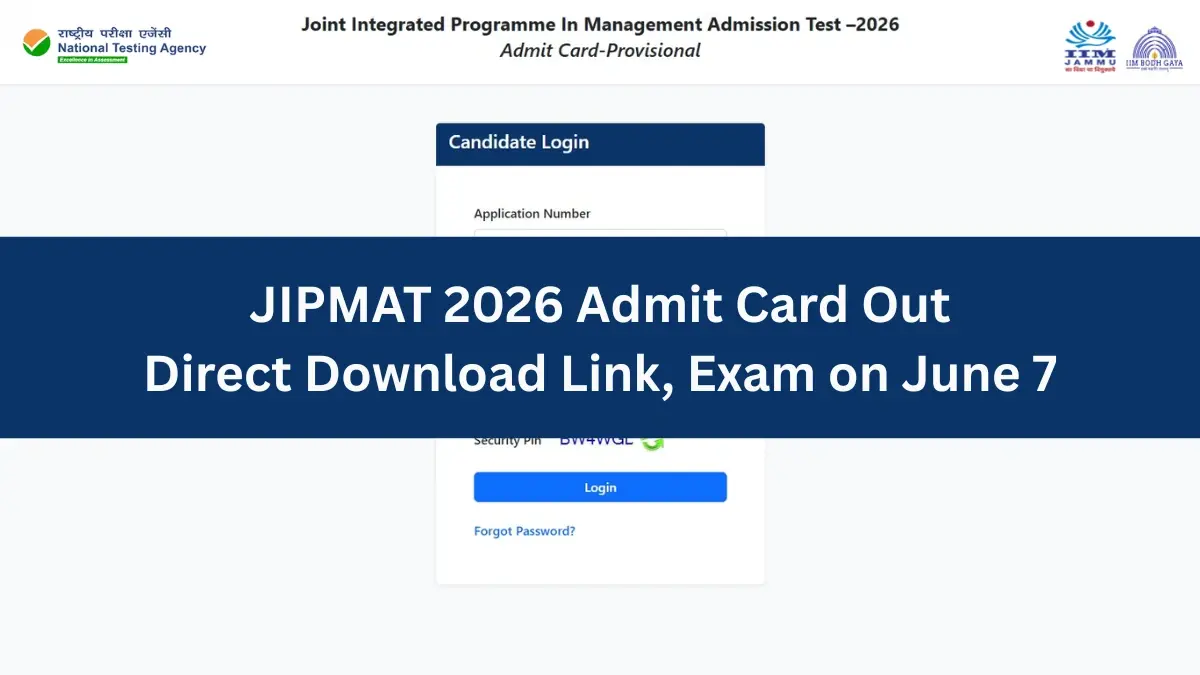


The National Testing Agency (NTA) has released the Joint Integrated Programme in Management Admission Test (JIPMAT) 2026 admit card on its official website at exams.nta.nic.in/jipmat/. Candidates can download their JIPMAT hall ticket 2026 by logging in with their application number and password.
👉 Direct Link: JIPMAT 2026 Admit Card
The NTA will hold the computer-based JIPMAT 2026 on June 7 in a single shift from 3 pm to 5:30 pm.
As per the official notice, candidates must check that the QR code and barcode appear on the admit card while downloading it. They should also carry the same photo ID they uploaded in the online application form, which is mentioned on the admit card, as proof of identity.
JIPMAT 2026 Admit Card: How to Download
Follow these simple steps to download the JIPMAT 2026 admit card:
Step 1: Visit the official website at exams.nta.nic.in/jipmat/.
Step 2: Click on the JIPMAT 2026 admit card download link on the homepage.
Step 3: Enter your login details, such as application number and password.
Step 4: Submit the details, and your JIPMAT 2026 admit card will appear on the screen.
Step 5: Check all the details on the admit card carefully.
Step 6: Download the admit card and take a printout for future reference.

JIPMAT 2026: Exam Pattern
The CBT-based JIPMAT 2026 will run for 150 minutes. Eligible PwD/PwBD candidates who qualify for a scribe will get compensatory time of 20 minutes per hour of the exam.
| Section | No. of Questions | Marks per Question | Total Marks |
|---|---|---|---|
| Quantitative Aptitude | 33 | 4 | 132 |
| Data Interpretation and Logical Reasoning | 33 | 4 | 132 |
| Verbal Ability & Reading Comprehension | 34 | 4 | 136 |
| Total | 100 | — | 400 |
----------
JIPMAT 2026: Study Material
| JIPMAT 2026: Study Material |
| JIPMAT Mock Test |
| JIPMAT PYQs |



 Home
Home
 Quiz
Quiz
 Short News
 Web Story
 Get latest Exam Updates







