




 Sign in


 Profile
 Signout
JIPMAT 2026 Exam City Intimation Slip Released – Download & Check Your Centre
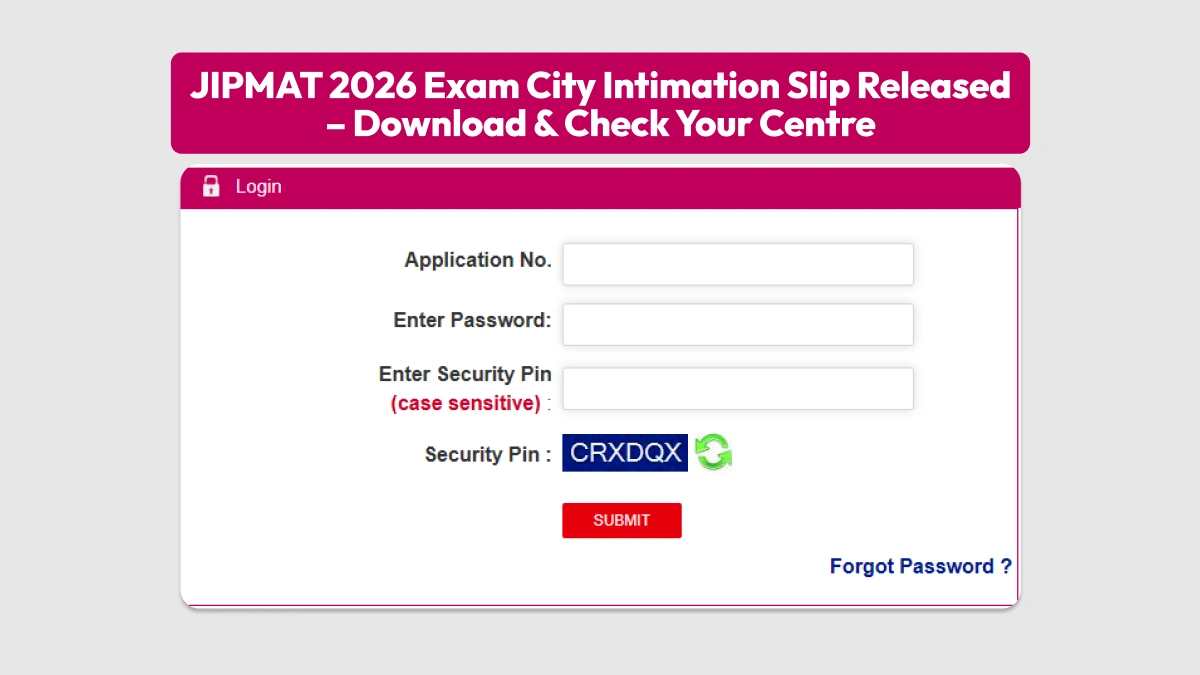

National Testing Agency (NTA) has published the exam city intimation slip for JIPMAT Exam 2026. For those who have enrolled themselves for the examination, the same can be downloaded using their application number, password, and security pin. This has been done by NTA on its official website, www.exams.nta.nic.in/jipmat.
👉 Direct Link - JIPMAT 2026 Exam City Intimation Slip
However, there is one point about the exam city intimation slip that the agency has made clear. This slip is not a admit card. This has been issued just to inform students about the city where their center for taking the JIPMAT Exam 2026 will be located.
JIPMAT 2026 Exam City Intimation Slip: Steps to Download
Here's how you can download the slip:
-
Visit the official website, exams.nta.nic.in/jipmat or nta.ac.in
-
Click on the "JIPMAT 2026 Exam City Intimation Slip" link on the homepage
-
Enter your application number and password or date of birth
-
Submit the details
-
Your allotted exam city will show up on the screen
-
Download and save the slip for future use

Schedule of JIPMAT 2026 Examination
The JIPMAT 2026 examination will be conducted through Computer Based Test (CBT) on June 7, 2026, between 3:00 pm to 5:30 pm. The test will take place in various centres within and outside India. The question paper consists of 100 multiple choice questions divided into three sections:
- Quantitative Aptitude
- Data Interpretation & Logical Reasoning
- Verbal Ability & Reading Comprehension
The total marking of the question paper is 400, and the duration of the examination will be 150 minutes.
--
JIPMAT 2026: Study Material
| JIPMAT 2026: Study Material |
| JIPMAT Mock Test |
| JIPMAT PYQs |




 Home
Home
 Quiz
Quiz
 Short News
 Web Story
 Get latest Exam Updates







