




 Sign in


 Profile
 Signout
Karnataka SSLC Results 2026 Declared — Download Direct Link Here
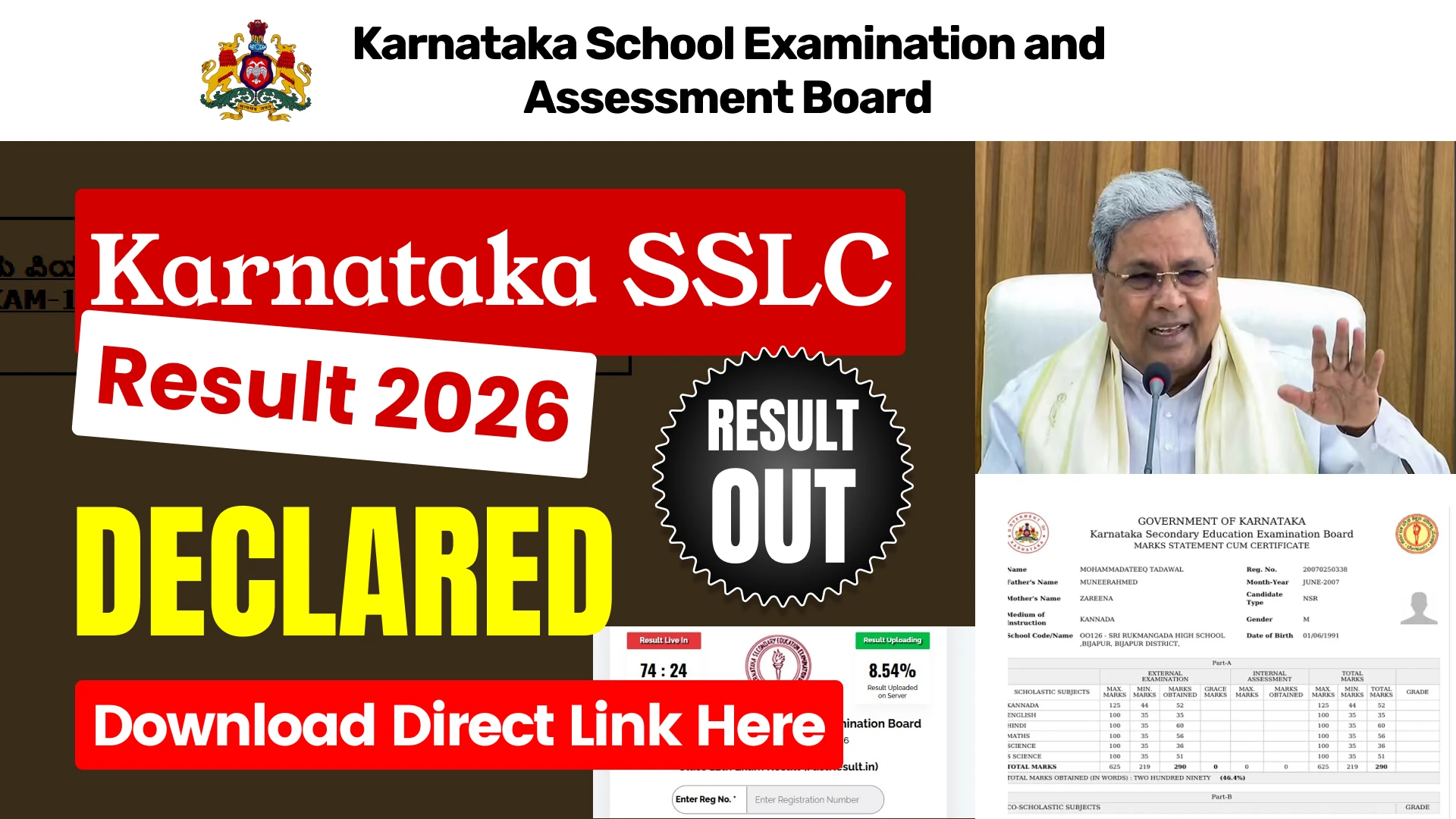


Karnataka Class 10 students, your wait is finally over. The Karnataka School Examination and Assessment Board (KSEAB) has officially declared the SSLC (Class 10) Result 2026 today. Students who appeared for the Secondary School Leaving Certificate exams can now check their results online. The result link is now active on the official websites.
👉 Click Here — Karnataka SSLC Result 2026 Direct Link
Candidates must visit the official websites to check their results online. Additionally, students can also view their results on the fastresult.in website and Mobile App.
How to Check Karnataka SSLC Result 2026
Step 1: Visit the official website: karresults.nic.in.
Step 2: Locate the "SSLC Examination-1 Result 2026" link on the homepage and click on it.
Step 3: Carefully enter the Unique Registration Number printed on your Hall Ticket.
Step 4: Enter your correct Date of Birth using the Calendar Selection Tool.
Step 5: Click on the 'Submit' button — your marksheet will appear on the screen.
Step 6: Download the PDF marksheet and take a printout for future reference.
How to Download Digital Marksheet via DigiLocker
Step 1: Visit results.digilocker.gov.in or open the DigiLocker App.
Step 2: Log in using your Mobile Number.
Step 3: Navigate to the "Karnataka SSLC Result 2026" section.
Step 4: Enter your Registration Number and Date of Birth.
Step 5: Your digitally signed marksheet will be instantly available.
What to Do After the Results?
If a student is not satisfied with their marks, they may opt for the following options:
- Apply for Re-evaluation
- Opt for Recounting
- Appear for the Supplementary Exam
Information regarding all these procedures will be available on kseab.karnataka.gov.in following the announcement of the results.



 Home
Home
 Quiz
Quiz
 Short News
 Web Story
 Get latest Exam Updates







