


 Sign in


 Profile
 Signout

NEET UG Counselling 2026: MCC Special Stray Vacancy Round Registration Starts, Check Dates
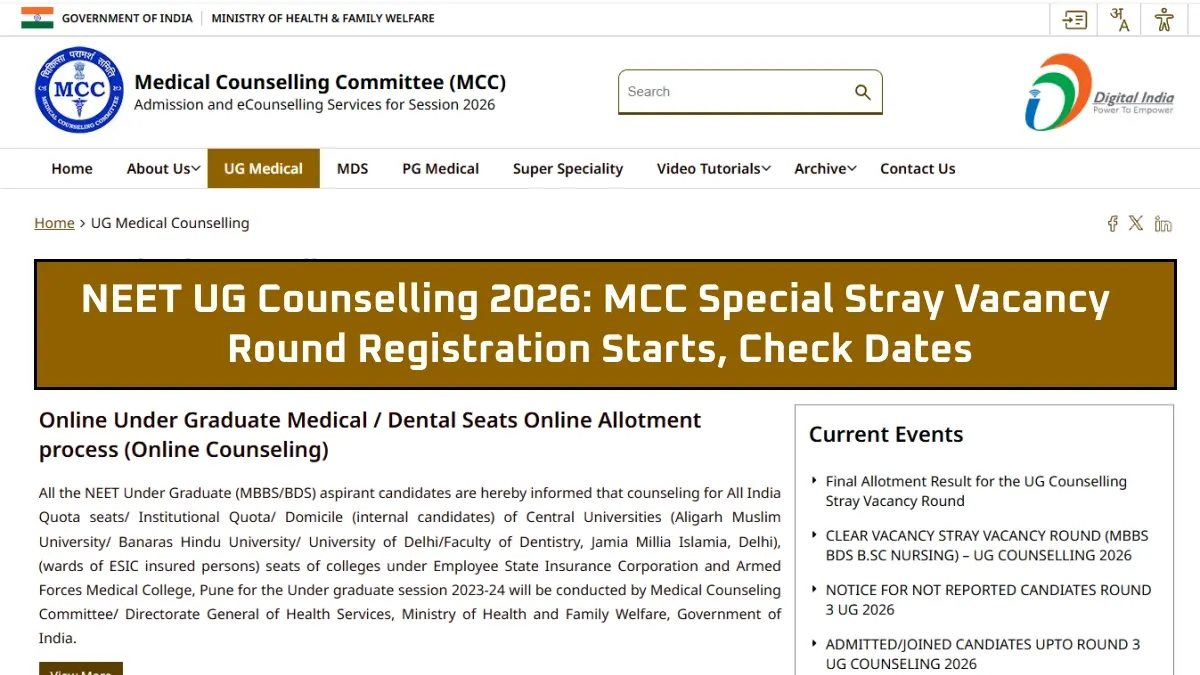

The Medical Counselling Committee (MCC) has started the NEET UG Counselling 2026 Special Stray Vacancy Round to fill vacant undergraduate medical seats. The last date to register and pay the required fee is from November 2 to November 4, 2026, and the last date for registration will be November 4, 2026, till 3 PM.
👉 NEET UG Special Stray Vacancy Round Registration
All candidates taking part in AIQ Special Stray Vacancy Round need to ensure that they complete the choice filling process within the stipulated time period. Choice filling will be open till November 5, 2026, while choice locking will be possible from 4 PM on November 4, 2026, to 11 AM on November 5, 2026.
Result of NEET UG Special Stray Vacancy Round will be declared on November 7, 2026. Allotted candidates will have to report to the concerned college from November 7 to November 16, 2026.
The process of registration and choice-filling will be facilitated online at the official MCC website.
NEET UG Counselling 2026 Special Stray Vacancy Round: Important Dates
Candidates can check the complete schedule below:
| Event | Date and Time |
| Registration and payment | November 2 to 4, 2026, up to 3 PM on November 4 |
| Choice filling | November 2 to 5, 2026, up to 11 AM on November 5 |
| Choice locking | November 4, 4 PM to November 5, 11 AM |
| Seat allotment processing | November 5 to 6, 2026 |
| Allotment result | November 7, 2026 |
| Reporting at allotted college | November 7 to 16, 2026 |
Candidates should complete each stage within the specified time. Missing a registration, choice-filling or choice-locking deadline can affect participation in the allotment process.
How to Register for NEET UG Special Stray Vacancy Round 2026?
The aspirants who wish to appear for the MCC NEET UG Special Stray Vacancy Round may follow these procedures:
- Procedure 1: Access the official MCC NEET UG Counselling Website.
- Procedure 2: Access the registration link for the Special Stray Vacancy Round.
- Procedure 3: Login into the site using necessary credentials.
- Procedure 4: Go through the entire registration process and make the payment.
- Procedure 5: Fill in their choice of college and course in the choice-filling option.
- Procedure 6: Rank the preferences as per choice.
- Procedure 7: Submit the choices before the deadline.
- Procedure 8: Lock the choices within the designated locking window period.
NEET UG Special Stray Vacancy Round: Choice Filling and Locking
The period for choice-filling would be between November 2 and November 5, 2026, and the facility would close at 11 AM on November 5.
The choice locking facility would be opened independently of the first one from 4 PM on November 4 and continue till 11 AM on November 5.
The candidates are required to go through their college preferences carefully before proceeding for choice locking. They need to keep a record of the choices they have made.
NEET UG 2026 Special Stray Vacancy Round Result
This seat allocation will take place after the completion of the registration and seat choice filling process by MCC. The Special Stray Vacancy Round seat allocation result will be declared on November 7, 2026.
If candidates are allocated seats, they must report and get admitted to the allotted colleges from November 7 to November 16, 2026.
Candidates need to keep visiting the official MCC website for any information related to the Special Stray Vacancy Round.
------
👉 NEET Study Materials




 Home
 Quiz
 Short News
 Web Story
 Get latest Exam Updates