




 Sign in


 Profile
 Signout
PSEB Class 10 Supplementary Result 2026 Out at pseb.ac.in: Download Your Matric Marksheet
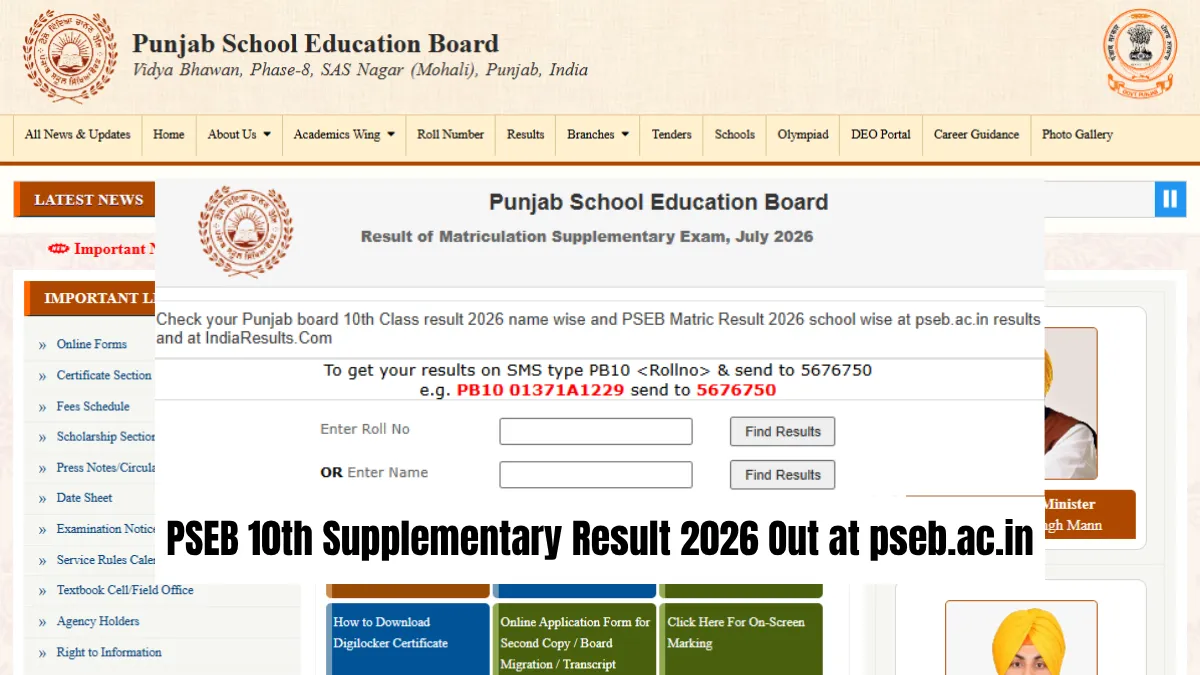

Class 10 compartment result is announced by Punjab School Education Board (PSEB) on 28th August, 2026. For those who had appeared for compartment examination, their scores can be accessed from the official site using their roll number and date of birth. The web address for checking your score is pseb.ac.in.
Direct Link - Result of Matriculation Supplementary Exam, July 2026
The board conducts the supplementary examination for students who fail to secure the required passing grades in the regular examination. This is another opportunity for the student to pass a subject without repeating an entire year.
What You Should Keep Ready
Maintain your admit card with you until you check your result, because the roll number mentioned on the card is the same roll number that needs to be entered on the website.
After opening the marksheet page, you need to read everything mentioned there carefully. You must verify your name, the names of your parents, your roll number, and subject-wise marks. In case of any mistake found, report it immediately to the school.
Your online score is only provisional, and the board will send revised scores to the schools.
How to Download the PSEB 10th Compartment Result 2026
Follow these steps to check and save your result:
- Visit the official website of pseb.ac.in.
- Click on the results tab from the top panel.
- Open the web portal of Class 10 Supplementary Result.
- Type your roll number and date of birth and submit.
- You will see the marksheet of PSEB 10th compartment on your screen.
- Please check all the details and download a soft copy of it.
You can take a screenshot as an extra step in case you are unable to download it on the first attempt since there may be heavy traffic on the server that day.
How to Check the Result by SMS
You don't need the internet to see your marks. Here's the SMS method:
-
Open the messaging app on your phone.
-
Type PB10 followed by a space and your roll number.
-
Send the message to 5676750.
-
The board will reply with your supplementary result.
Standard SMS charges apply. The SMS gives you your marks, but you'll still need the online marksheet for a printable copy.
Punjab Board Class 10 Result 2026: Important Dates
| Event | Date |
| Main Exams | March 6 - April 1, 2026 |
| Main Results | May 11, 2026 |
| Compartment Exams | July 6 - 10, 2026 |
| Result Declaration Date | August 28, 2026 |
What Happens Next
Keep the temporary marksheet that you have downloaded today. Most schools/colleges will accept the marksheet on the basis of admission formalities until the original copy comes.
Visit your school in the upcoming weeks for collection of the marksheet having corrected scores. This is the one which will be required by you for your higher education as well as other purposes.
In case you could not clear any subject, get in touch with your school regarding the exam cycle for re-evaluation.
-
👉 Punjab Board Class 10 Study Material
| Punjab Board Class 10 Study Material | |
| Punjab Board Class 10 Books | Punjab Board Class 10 Syllabus |
| Punjab Board Class 10 Textbook Solutions | |



 Home
Home
 Quiz
Quiz
 Short News
 Web Story
 Get latest Exam Updates







