




 Sign in


 Profile
 Signout
Punjab Board 10th Result 2024 is Live: Download Your Marksheets Now
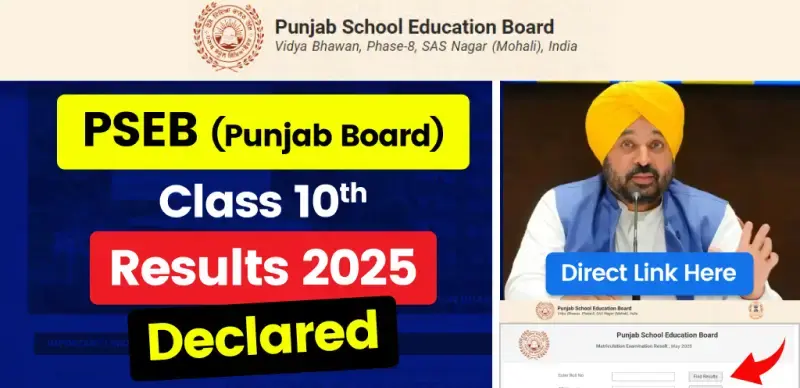

The Punjab School Education Board (PSEB) has officially announced the Class 10 (Matric) results for the academic year 2024-25 today, May 16, 2025, at 2:30 PM. Students who appeared for the exams between March 10 and April 4, 2025, can now check their results online.
👉 Direct Link - Punjab Board 10th Result 2025
How to Check PSEB Class 10 Result 2025:
📱 How to check result from mobile app:
Step 1 - Download "10th 12th Board Result 2025" app from Google Play Store.
Step 2 - Open the app and select the Punjab Board Result 2025 section.
Step 3 - Enter roll number and application number.
Step 4 - The result will appear on the screen - download it, and you can also print it.
🖥️ How to check result on Fastresult.in website:
Step 1 - Open the website fastresult.in
Step 2 - Click on "Punjab Board 10th Result 2025"
Step 3 - Enter roll number and application number
Step 4 - Click 'Submit' and see your result on the screen
Step 5 - Keep a printout or screenshot of it for the future.
📊 Important Statistics:
-
Total students appeared: Approximately 2.77 lakh
-
Overall pass percentage: 95.61%
-
Girls’ pass percentage: 96.85%
-
Boys’ pass percentage: 94.50%
-
Topper: Akshnoor Kaur from Faridkot scored a perfect 650 out of 650 marks.
📝 Important Information:
-
Provisional Marksheet: The online result is provisional; original mark sheets will be distributed by schools soon.
-
Supplementary Exams: Students who have failed in any subject can apply for supplementary exams. Details will be released on the official website soon.
-
Revaluation: Rules and deadlines for revaluation will also be announced shortly.



 Home
Home
 Quiz
Quiz
 Short News
 Web Story
 Get latest Exam Updates







