




 Sign in


 Profile
 Signout
TS ICET 2026 Phase 1 Seat Allotment Result Out: Check Direct Link at tgicet.nic.in
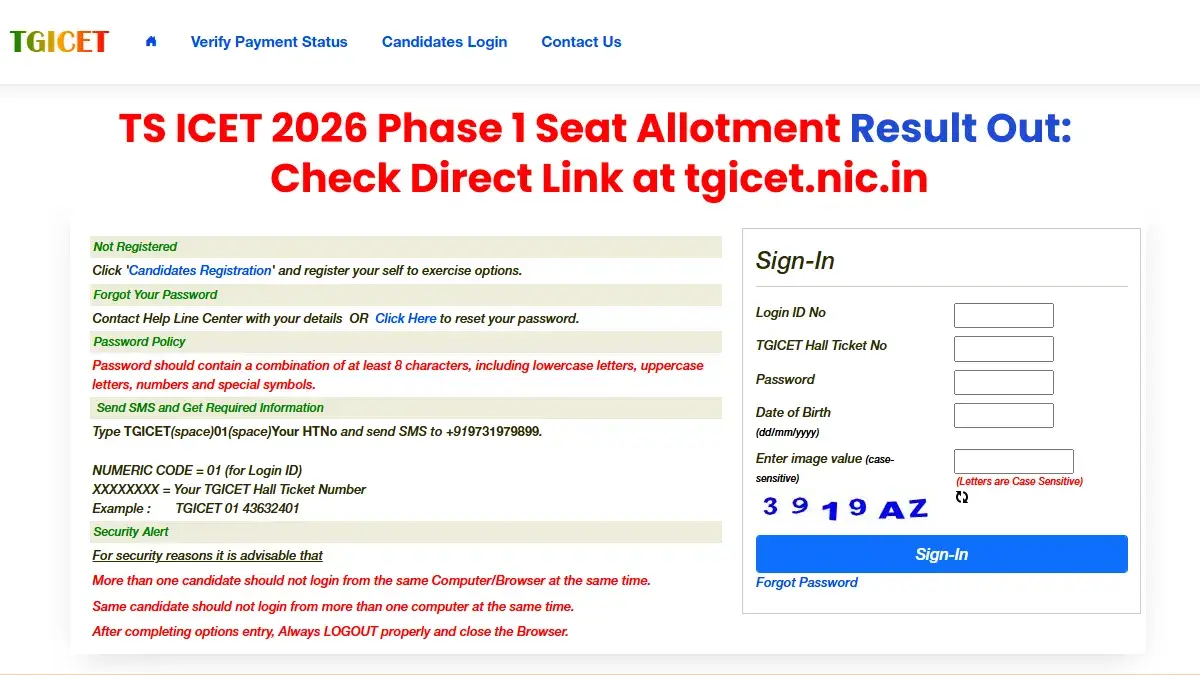


The Directorate of Technical Education, Telangana, has announced the TS ICET 2026 Phase 1 seat allocation results. Those who applied for counselling can now see their seat allocation online.
The seat allocation results for TG ICET Phase 1 2026 are available on the official counselling website, which is tgicet.nic.in.
👉 Direct Link: TG ICET 2026 Phase 1 Seat Allotment
TS ICET 2026 Counselling: How to Check Seat Allotment Result?
The following procedures can be followed by candidates to know the TG ICET 2026 seat allotment result:
- Go to the official website of TS ICET 2026 counseling.
- Tap on the “Candidate Login” option.
- Provide your ROC Form Number, TG ICET hall ticket number, password and date of birth.
- Input the alphanumeric captcha code.
- Tap on the "Sign In" button.
- Check your phase one seat allotment status.

What after TG ICET Phase 1 Seat Allotment?
The candidates who have got a seat through the first phase of TG ICET counselling 2026 are supposed to pay the tuition fee and online self-reporting till August 14, 2026.
The candidates who desire to be part of the final phase and wish to get a seat upgrade are supposed to do the online self-reporting as well.
In case any candidate is able to get an upgraded seat through the final phase, then the allotment of seat done during the first phase will get cancelled and the amount of money paid by the candidate during the first phase will be adjusted accordingly for the seat allotted during the final phase of TG ICET counselling 2026.
------
CAT Free Study Material
| CAT Study Material | |
| CAT Study Material 2026 | CAT Sample Paper |
| CAT Mock Test | CAT Previous Year Question Paper |
| CAT Chapterwise Previous Year Question | CAT Mind Map |
| TS ICET Mock Test | TS ICET PYQs |




 Home
Home
 Quiz
Quiz
 Short News
 Web Story
 Get latest Exam Updates







