




 Sign in


 Profile
 Signout
AP EAMCET 2026 Rank Card Date: Result Expected Next Week — Check cets.apsche.ap.gov.in
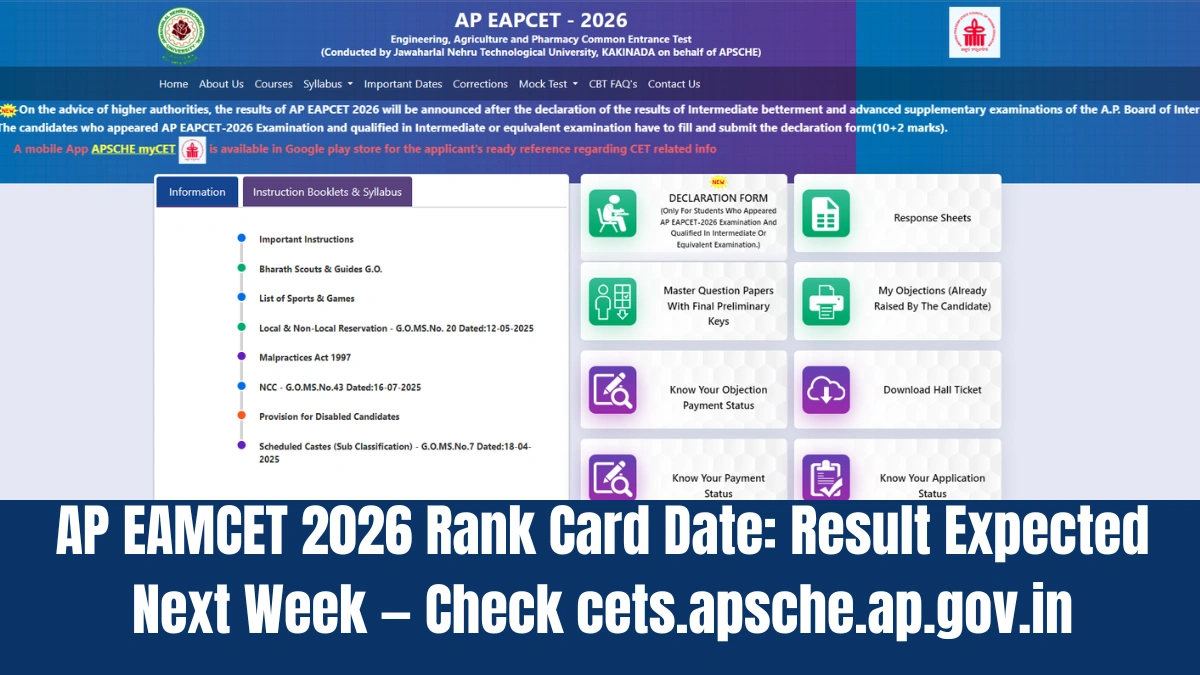

The results of the Andhra Pradesh Engineering, Agriculture and Pharmacy Common Entrance Test (AP EAPCET) are expected to be released next week. The Andhra Pradesh State Council of Higher Education (APSCHE) will declare the results on its official website, cets.apsche.ap.gov.in. Candidates can also check their results on the APSCHE myCET mobile app.
Candidates who took the AP EAPCET 2026 exam and have qualified in the Intermediate (10+2) or an equivalent exam need to fill out and submit a declaration form. This form must include their 10+2 marks.
In order to get their AP EAMCET result verified, they should go to the official website and click on the link called “AP EAMCET Result 2026” that is present on the home page of the site. They should then enter their registration number and hall ticket number, click on Submit, and their result will be displayed on the screen.

AP EAMCET Results 2026 Updates: How to check
Candidates can view their AP EAPCET results by following these steps
Step 1: Visit the official website at cets.apsche.ap.gov.in.
Step 2: Click on the link that reads "AP EAMCET Result 2026."
Step 3: Enter your login details, such as registration number, hall ticket number and captcha.
Step 4: Click "Submit." Your result will appear on the screen.
Step 5: Download the scorecard and save it for future use.
-




 Home
Home
 Quiz
Quiz
 Short News
 Web Story
 Get latest Exam Updates







