




 Sign in


 Profile
 Signout
BITSAT 2026 Admit Card Session 2 Released: Direct Download Link & Step-by-Step Guide
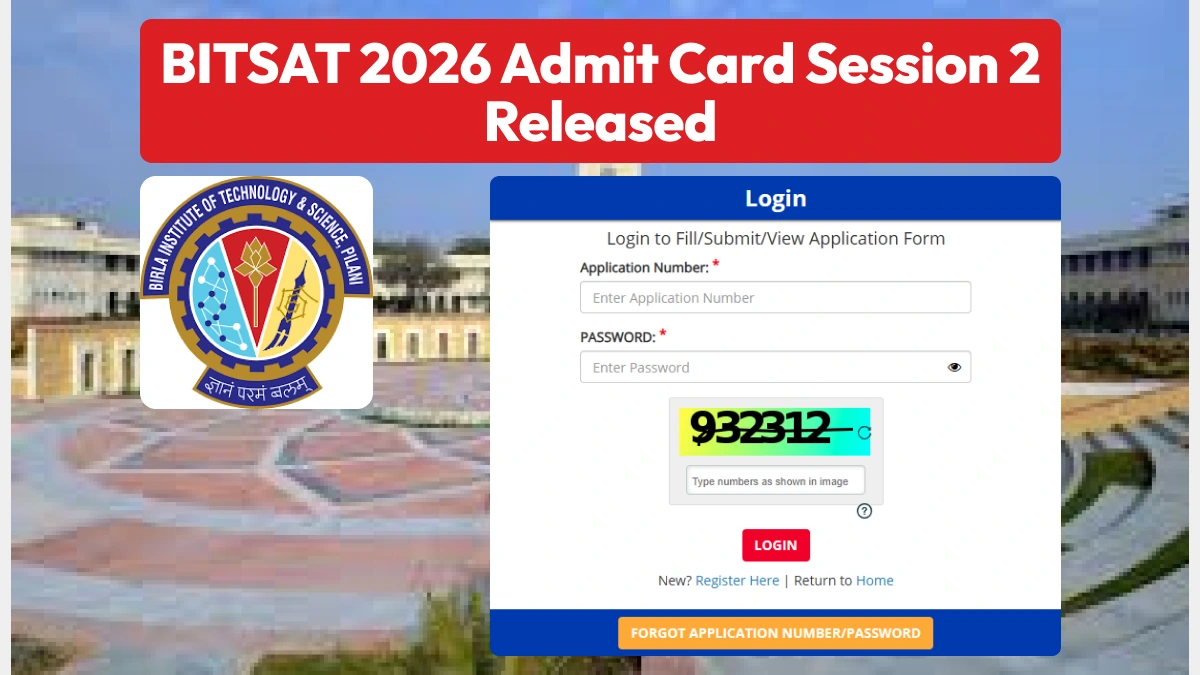

Birla Institute of Technology and Sciences (BITS), Pilani, has released the BITSAT 2026 admit card for Session 2. Candidates can download the BITSAT Session 2 admit card 2026 via the direct link provided below.
👉 Download Link - BITSAT 2026 Admit Card Session 2
Candidates must use their application number and password to download the admit card. The BITSAT 2026 examination for Session 2 will be conducted from May 25 to May 27.
How to Download the BITSAT 2026 Admit Card?
To download the BITSAT hall ticket, candidates must follow the steps given below:
- Visit the official website: admissions.bits-pilani.ac.in.
- Click on the 'BITSAT 2026 Admit Card' link.
- Log in using your application number and password.
- The admit card will appear on the screen.
- Download it and take a printout for future reference.
Details Mentioned on the BITSAT 2026 Admit Card
After downloading the admit card, candidates must verify the information provided on it. The BITSAT admit card will contain the following details:
- Candidate's Name
- BITSAT Application Number
- Name and Address of the Exam Center
- Candidate's Signature
- Date and Time of the Exam
- BITSAT Exam Day Guidelines
---
👉 JEE Main & Advanced Study Material




 Home
Home
 Quiz
Quiz
 Short News
 Web Story
 Get latest Exam Updates







