




 Sign in


 Profile
 Signout
BITSAT 2026 Iteration 7 Result Today: Check Seat Allotment Status, Direct Link and Next Steps
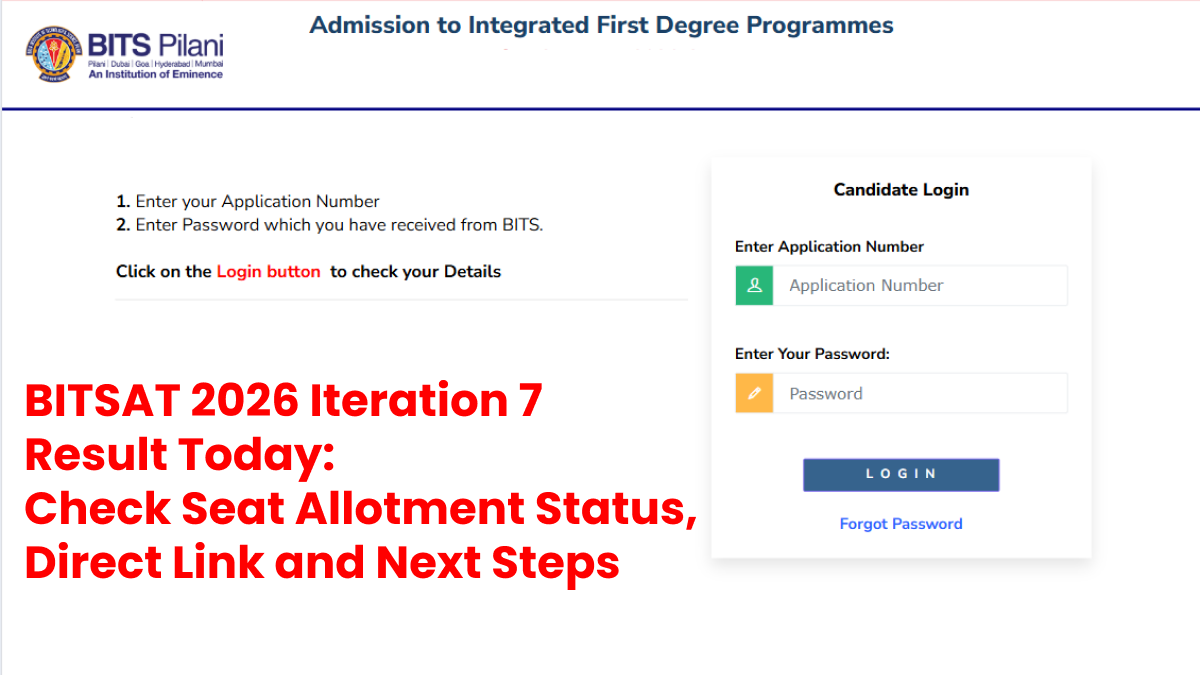

The BITSAT 2026 Iteration 7 result is expected to be declared on August 18. Unlike the BITSAT entrance test result, iteration result will tell whether the candidate has received admission allotment or an upgrade in programme preference or is still in the waiting list.
Candidates need to be prepared with the login details for checking their result when the admission portal is updated with the result. The allotment will depend upon several parameters like BITSAT test score of the candidates, programme preference, merit position, availability of seat and others.
Iteration 6 was released on August 10, in which candidates admitted to the programme through the iteration were required to complete the fee payment formalities by August 14. Candidates admitted through Iteration 6 were to report to their respective campus on August 17.
How to Check BITSAT 2026 Iteration 7 Result
Here are the steps that candidates need to follow to check their admission allotment status:
- Go to the official BITS admission website.
- Click on the admission/iteration result link.
- Log in using the required details.
- Verify the admission allotment displayed on the screen.
- Download/save the admission result.

-----




 Home
Home
 Quiz
Quiz
 Short News
 Web Story
 Get latest Exam Updates







