


 Sign in


 Profile
 Signout

CAT 2026 Admit Card Postponed: IIM Indore Revises Hall Ticket Release Date to Nov 6; Check Latest Updates
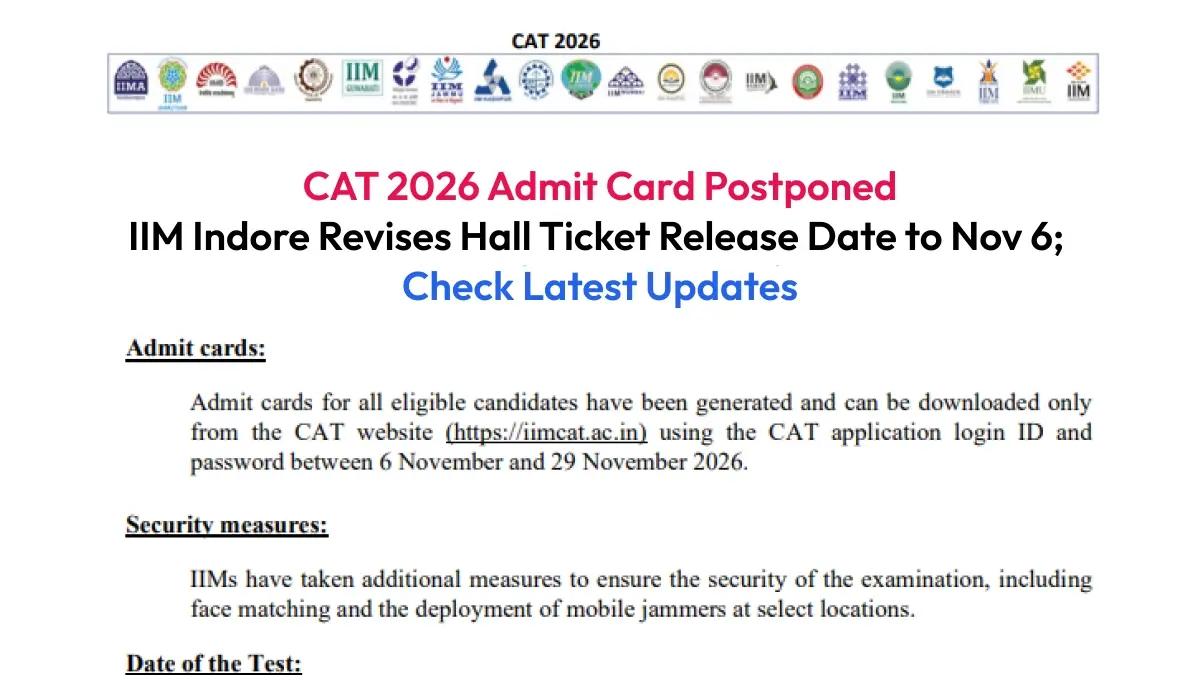

CAT 2026 admit card release has been postponed to November 6, 2026. An official announcement has been made by IIM Indore in connection with the new date. The candidates who have applied successfully for CAT 2026 will download their hall ticket from the official site, iimcat.ac.in.
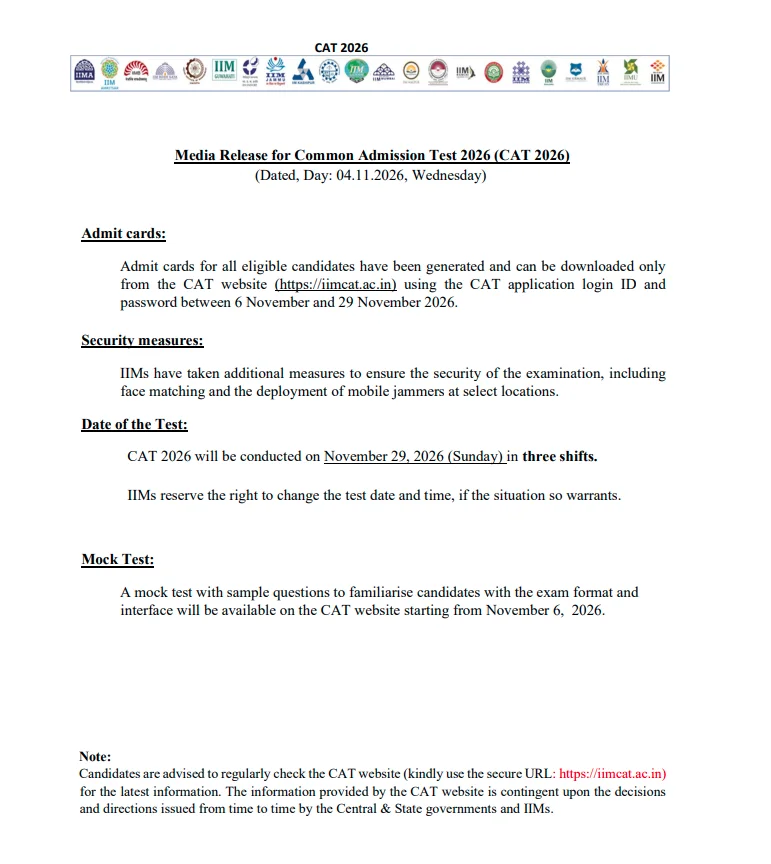
The CAT 2026 admit card can be accessed through the login of the registered candidate. The candidates will require their User ID and password in order to download the hall ticket. IIM Indore will organize CAT 2026 on November 29, 2026.
CAT 2026 Admit Card Release Date Revised
There is now a delay in the issue of CAT 2026 admit card, which will be issued on November 6 by IIM Indore. There is no mention of a definite time of release of the admit card as per the information given.
The candidate will be able to download his/her admit card from the official CAT site when the link is enabled. The link will be operational until the exam day as per the information given.
How to Download CAT 2026 Admit Card?
Once the download link is activated, candidates can follow these steps to access their CAT 2026 hall ticket:
-
Visit the official CAT website, iimcat.ac.in.
-
Click on the registered candidate login option.
-
Enter your User ID and password.
-
Open the admit card or hall ticket section.
-
View the CAT 2026 admit card on the screen.
-
Download and save the admit card PDF.
-
Take multiple printouts for use on the examination day.
Details Mentioned on CAT Admit Card 2026
Candidates must ensure that all the information is verified after downloading the hall ticket. The important details included in the CAT 2026 hall ticket include the following:
- Personal details: Candidates should confirm their name, application number, date of birth, gender, and category.
- Photograph and signature: Candidates must ensure that the photograph and signature are clear and match the details provided at the time of registration.
- CAT Exam Date and slot: Candidates must confirm the CAT exam date, allotted slot and reporting time.
- Exam Centre: Candidates must confirm the complete address and centre code of the test centre.
- PwD/Scribe Details: Candidates having provision must ensure their details provided in the hall ticket.
Common Problems While Downloading CAT 2026 Admit Card
The following may be encountered by the candidates while downloading the CAT Hall Ticket:
- Technical glitches on the official site
- Poor internet connectivity
- Incorrect Username/Password
- High traffic on the official site
In case there is any difficulty while accessing the site, then it is better to wait for a while and try once again. Also, having the login credentials handy would prove to be helpful.
A good internet connection will help in overcoming any difficulties.
CAT 2026 Exam Date
Date of CAT 2026 exam: The CAT 2026 exam will take place on 29th November 2026. Candidates must refer to their admit card and know about the test slot allotted, reporting time, and venue.
Admit card is a very essential document for the exam. Candidates must download the admit card immediately after getting the link and keep its printout safe.
----
👉 Also Check - CAT Free Study Material
CAT and OMETs study material 2026. Download sample papers, mock tests, previous year papers, chapter-wise PYQs and mind maps for complete exam preparation.
| CAT Study Material | |
| CAT Study Material 2026 | CAT Sample Paper |
| CAT Mock Test | CAT Previous Year Question Paper |
| CAT Chapterwise Previous Year Question | CAT Mind Map |
| CAT Study Planner | |



 Home
 Quiz
 Short News
 Web Story
 Get latest Exam Updates