




 Sign in


 Profile
 Signout
COMEDK Round 3 Seat Allotment 2026 Today: Direct Link, Cutoff and How to Check
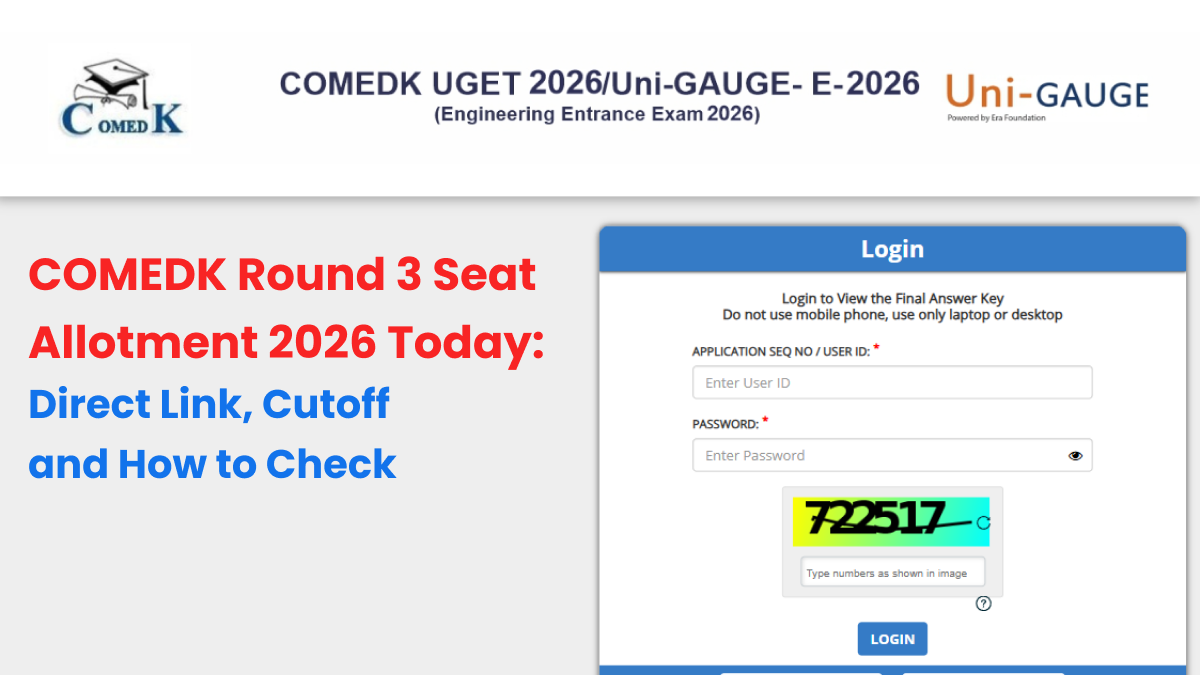

The Consoritum of Medical Engineering and Dental Colleges of Karnataka (COMEDK) will declare the COMEDK UGET 2026 round 3 seat allotment result today, i.e., on August 18, 2026. Those candidates who had attended the round 3 counseling process and filled in their choice forms would be able to find out their allotment details via the official COMEDK counseling website.
The round 3 counseling is being organized for GM category candidates, and the available seats after round 2 are being taken into account for the allocation process.
The candidates are advised to keep their COMEDK login credentials handy since their allotment result would be declared online at 4 pm today.
COMEDK Round 3 Seat Allotment 2026 Date and Time
The important dates for the upcoming Round 3 allotment are as follows:
|
Event |
Date |
|---|---|
|
Round 3 seat allotment |
August 18, 2026 |
|
Decision-making and fee payment |
August 18 to 21, 2026 |
|
Last date for college reporting |
August 24, 2026 |
|
Seat cancellation window |
August 18 to 24, 2026 |

How to Check COMEDK Round 3 Allotment Result 2026?
The candidates can verify their allotment status in the following manner:
- Go to the COMEDK official website.
- Log in to the UGET 2026.
- Click on the link for Round 3 seat allotment results.
- Know the allotted college and branch of engineering.
- Download the allotment details.
-------
👉 JEE Main & Advanced Study Material




 Home
Home
 Quiz
Quiz
 Short News
 Web Story
 Get latest Exam Updates







