




 Sign in


 Profile
 Signout
NEST 2026 Final Answer Key Out: Download at nestexam.in, Result on June 24
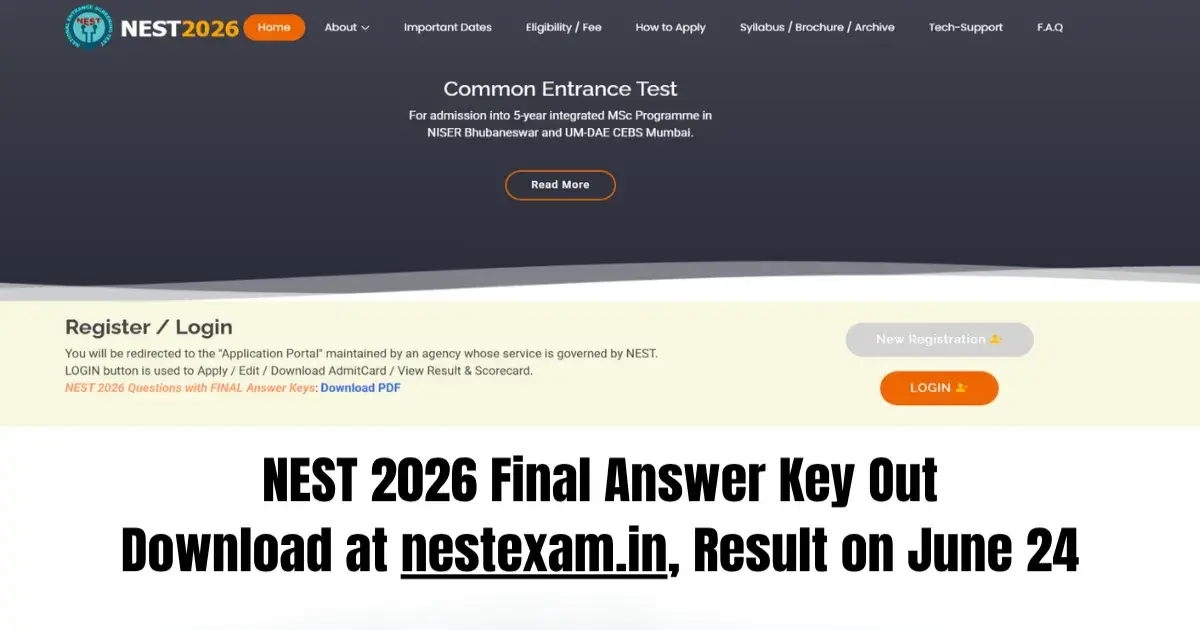

NEST Answer Key 2026: The National Institute of Science Education and Research (NISER), Bhubaneswar, and the University of Mumbai–Department of Atomic Energy Centre for Excellence in Basic Sciences (UM-DAE CEBS) have released the NEST 2026 final answer key today, June 17.
Candidates can download the NEST final answer key 2026 directly from the official website, nestexam.in.
👉 Direct Link - NEST Final Answer Key 2026
You don't need any login details to download it. As per the final answer key, the correct response is option A for all the questions. Do note that the order of questions and options was different for each candidate during the exam.
How to Download the NEST Final Answer Key 2026?
To get the final NEST answer key, candidates need to visit the official website. Here are the simple steps to follow:
- Go to nestexam.in
- Click on "NEST 2026 Questions with FINAL Answer Keys"
- A PDF file will open on your screen
- Download the answer key PDF and save it
NEST Result 2026
The NEST result will be declared on June 24, 2026. Candidates who took the exam can check their result on the official website. You'll need your login details to access the NEST result. The authority will then release the NEST scorecard for qualifying candidates on June 25, 2026.
--




 Home
Home
 Quiz
Quiz
 Short News
 Web Story
 Get latest Exam Updates







