




 Sign in


 Profile
 Signout
SRMJEEE 2026 Phase 2 Seat Allotment Result Out Tomorrow: Check Steps Here
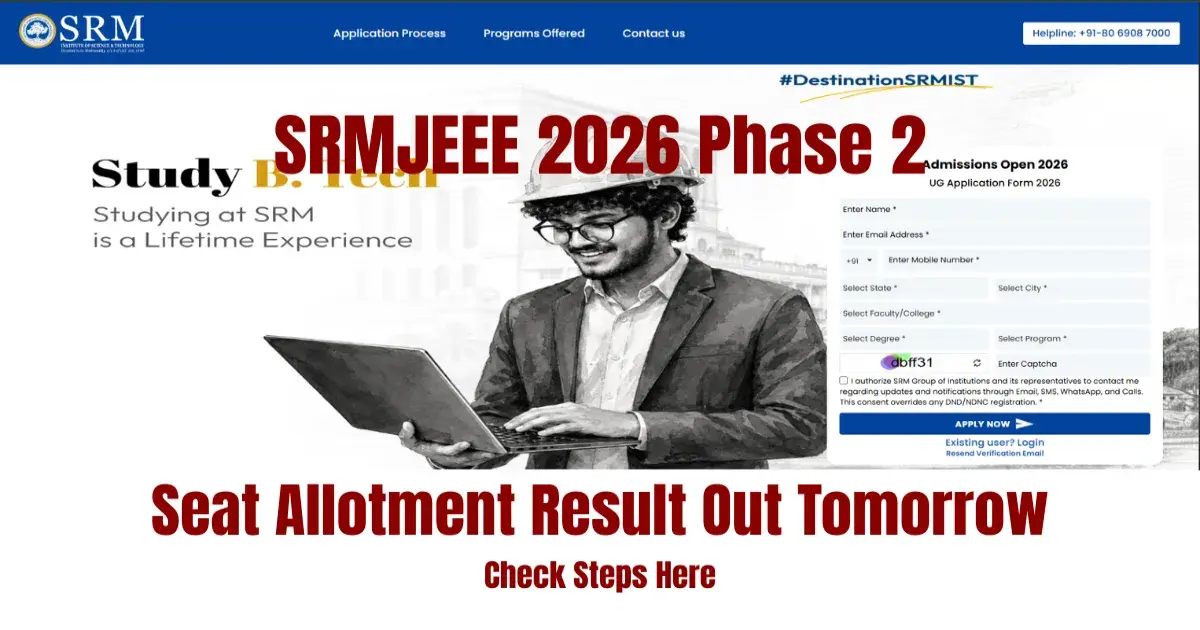

The SRM Institute of Science and Technology is about to announce the SRMJEEE Phase 2 counseling seat allotment results soon. The candidates can check their SRMJEEE 2026 Phase 2 seat allotment result through the SRM admission portal at admissions.srmist.edu.in/srmistonline.
In order to see their seat allotment result, the candidates need to enter their application number and date of birth for login. The candidates who have been allotted any seats should go to the institute and pay their course fees.
How to Check SRMJEEE Phase 2 Seat Allotment Result 2026
To check your SRMJEEE 2026 Phase 2 seat allotment result, follow the below given steps:
- Visit the official website of SRM University
- Click on SRMJEEE candidate login or admission portal link
- Enter your login credentials
- Click on "Check Phase 2 Seat Allotment Status"
- Your seat allotment status will be displayed on the screen
If you are satisfied with the allotted course and campus, click "I Accept"
If you are not satisfied with your allotted seat, then you may participate in the upcoming rounds. The counselling process will continue till July 6, 2026.
How to Participate in the Next Round of Counselling
The Phase 2 counselling will take place in several rounds from June 30 to July 6. The candidates, who haven't got any seat in the first round or who are not satisfied with their allotted seats, may participate in the next round. For this purpose, you have to log in to the admission portal.
----
JEE Main & Advanced Study Material




 Home
Home
 Quiz
Quiz
 Short News
 Web Story
 Get latest Exam Updates







