




 Sign in


 Profile
 Signout
SRMJEEE Result 2026 Phase 2 Declared - Direct Link to BTech Rank List & Choice Filling
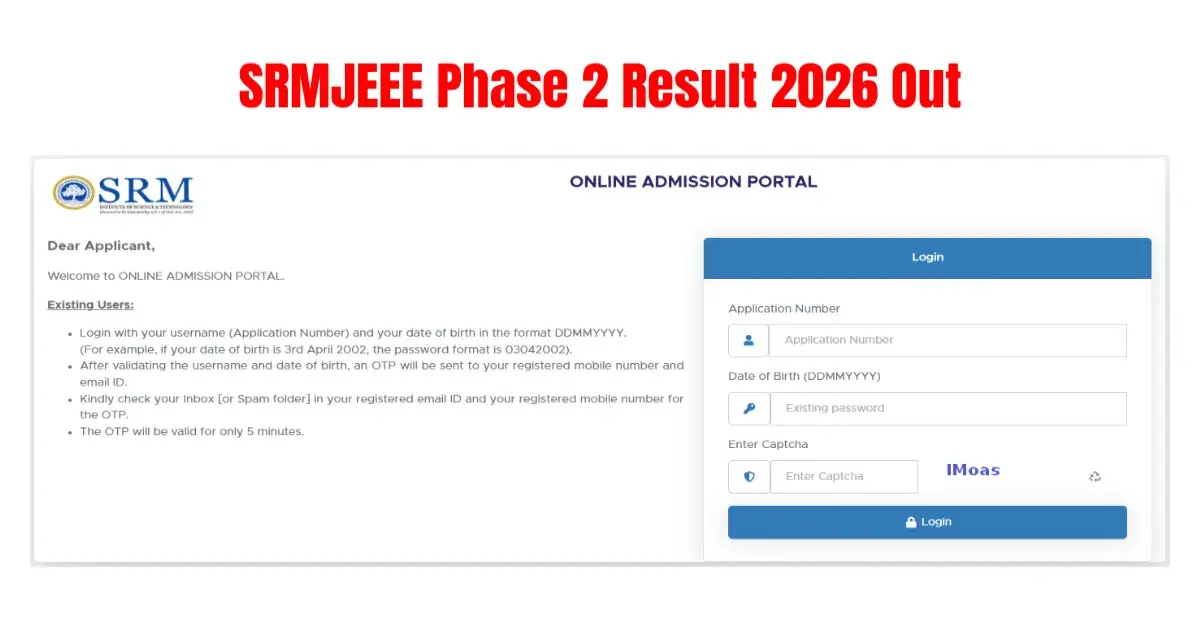

The result for the SRMJEEE 2026 Phase 2 has been announced by SRM Institute of Science and Technology (SRMIST). Students who appeared for the SRMJEEE Phase 2 test will be able to download their rank card through the official website, srmist.edu.in. The downloading link for the same is available at srmist.edu.
👉 Direct Link - SRMJEEE 2026 Phase 2 Results
In order to check your result, candidates require application number and date of birth. Qualifying candidates will be eligible to participate in the SRMJEEE counseling process. The score card contains your total marks scored in the examination.
How to Check SRM B.Tech Results 2026
- Go to srmist.edu.in.
- Click on the "SRM Exam Results" link.
- Enter your login details — your email ID and password.
- Click on "Submit".
- Your SRMJEEE 2026 result will appear on the screen.
- Download the result and take a printout for future use.

SRMJEEE 2026 Result — Details Mentioned
Your SRMJEEE result will include the following details:
- Candidate's name.
- Candidate's roll number.
- SRMJEEE application number.
- Candidate's photograph and digital signature.
- Candidate's contact details.
- SRMJEEE percentile score.
- SRMJEEE rank.
- Qualifying status (whether you've passed or not).
- Merit rank.
-----




 Home
Home
 Quiz
Quiz
 Short News
 Web Story
 Get latest Exam Updates







