




 Sign in


 Profile
 Signout
TS ICET 2026 Provisional Answer Key Out at icet.tgche.ac.in: Download PDF Now
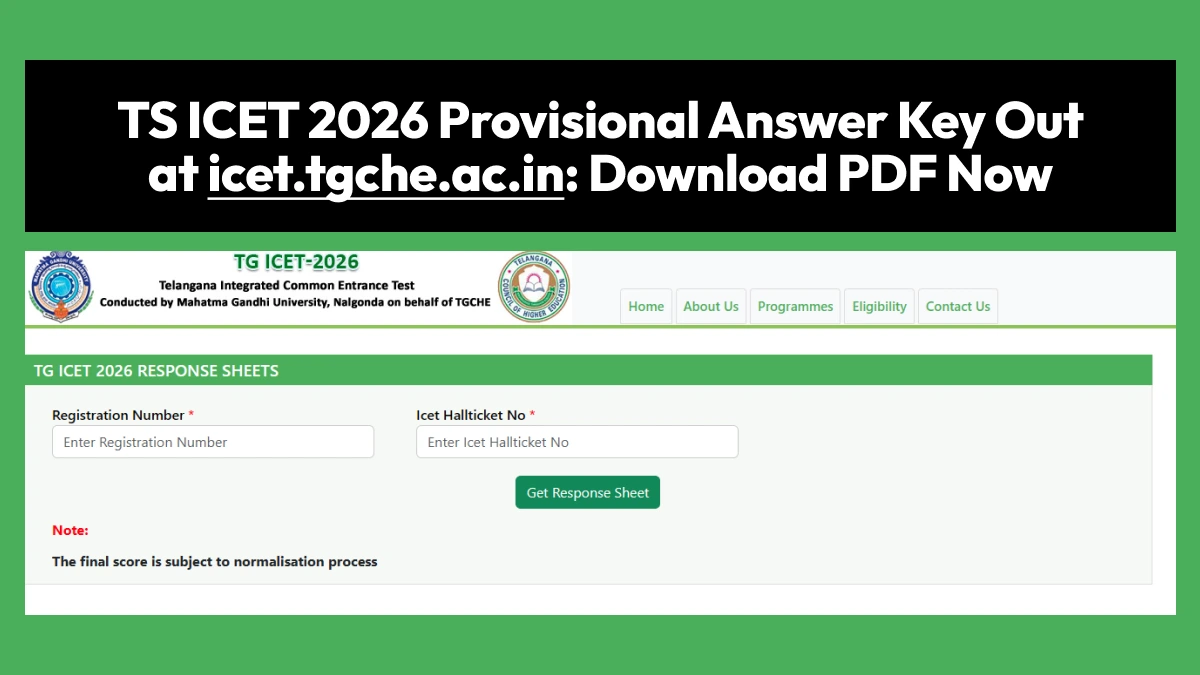

The TG ICET answer keys and the candidate response sheets have been declared by Mahatma Gandhi University. The release of these is for the examinations that were conducted on May 13th and 14th, 2026. Candidates who have written the examination will be able to download the TG ICET 2026 answer key pdf along with the official question paper.
👉 Direct Link - TS ICET 2026 Provisional Answer Key
There is no login required for downloading the TS ICET 2026 preliminary answer key. Besides the release of the provisional answer key, MGU has also released the TS ICET 2026 response sheet. This will help in checking the answers marked by the candidates during the examinations.
How to Download TS ICET Answer Key 2026
Step 1: Visit the official TS ICET exam website.
Step 2: Click on the link for "TS ICET Answer Keys and Question Papers."
Step 3: Select the answer key link that matches your exam date and shift.
Step 4: The TS ICET answer key PDF will open in a new window. It contains the questions along with their correct answers.
Step 5: Download and save the answer key PDF for future reference.

This process is made simple because there is an answer key provided officially. In order to calculate your approximate score, all you have to do is count the number of right answers you marked in the test paper. In TG ICET, each right answer will fetch you one mark.
----
CAT Free Study Material
| CAT Study Material | |
| CAT Study Material 2025-26 | CAT Sample Paper |
| CAT Mock Test | CAT Previous Year Question Paper |
| CAT Chapterwise Previous Year Question | CAT Mind Map |
| TS ICET Mock Test | TS ICET PYQs |



 Home
Home
 Quiz
Quiz
 Short News
 Web Story
 Get latest Exam Updates







