




 Sign in


 Profile
 Signout
WB HS Result 2026 Will Be Declared Tomorrow, 14th May 2026 at 10:30 AM
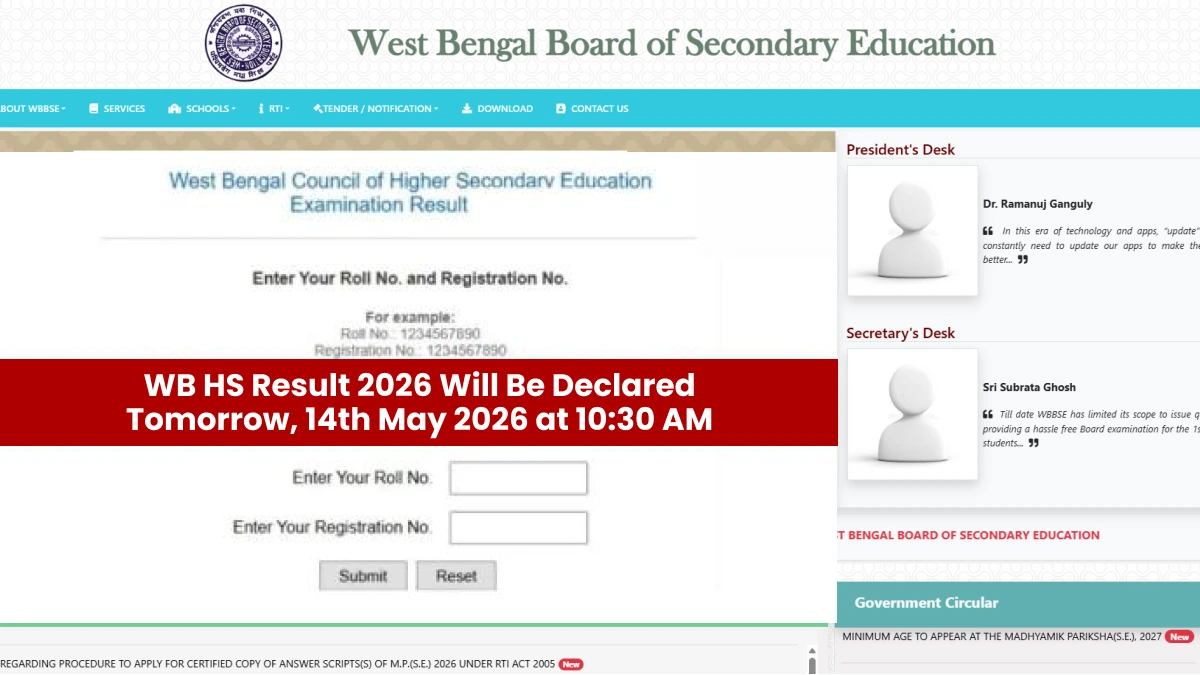

The West Bengal HS Result 2026 will be declared tomorrow, 14th May 2026 at 10:30 AM. Students who appeared in the WBCHSE Class 12 exam 2026 can check their results on the official website. They can also view their results on the fastresult.in website and Mobile App.
👉 Direct Link: WB HS Result 2026
The West Bengal Council of Higher Secondary Education (WBCHSE) will release the result on its official website — wbresults.nic.in and wbchse.wb.gov.in. Students should keep their roll number and registration number ready before checking the result.
WB HS Result 2026 — Key Details
- Result Date: 14th May 2026
- Result Time: 10:30 AM
- Website: fastresult.in website and Mobile App
- Exam Board: WBCHSE
How to Check WB HS Result 2026
Checking the result is simple. Just follow these steps:
- Go to wbresults.nic.in or wbchse.wb.gov.in
- Click on the WB HS Result 2026 link
- Enter your Roll Number and Registration Number
- Click Submit
- Your result will appear on the screen
- Download and save it for future use
Students are advised to visit only the official website to avoid any confusion. The result may take a few minutes to load due to heavy traffic on the website.
After the result is declared, students can apply for re-evaluation or scrutiny of their answer sheets if they're not satisfied with their marks. The board will announce the process soon after the result is out.
--
West Bengal Board Class 12 Study Materials (FREE PDF)
| West Bengal Board Class 12 Study Materials (FREE PDF) | |
| West Bengal Board Model Paper | West Bengal Board Syllabus |
| West Bengal Board Class 12 Books (Bengali Medium) | West Bengal Board Class 12 Previous Year Question Papers |
| West Bengal Classes 1 to 12 Books | |



 Home
Home
 Quiz
Quiz
 Short News
 Web Story
 Get latest Exam Updates







