




 Sign in


 Profile
 Signout
WBJEE Round 3 Seat Allotment 2026 Today: How to Download and Next Steps
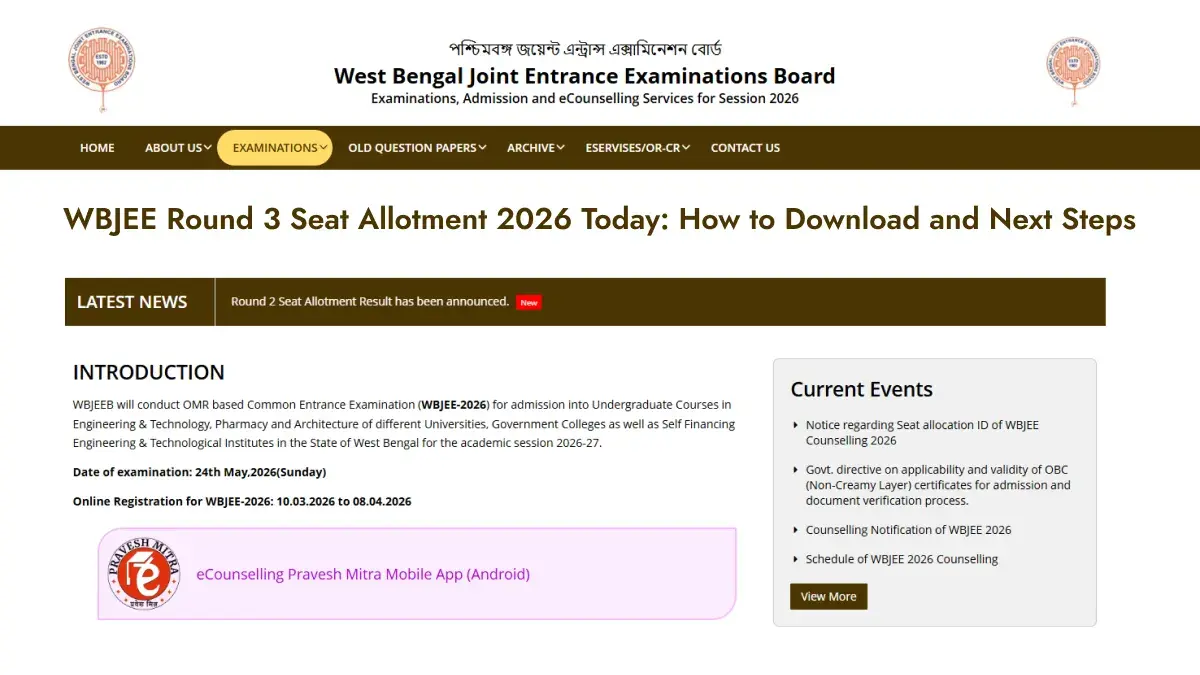


The West Bengal Joint Entrance Examinations Board (WBJEEB) will release the WBJEE 2026 Round 3 seat allotment result today, July 28, 2026. Candidates can check their allotment status on the official website at wbjeeb.nic.in/wbjee.
To download the allotment result, candidates will need their WBJEE roll number and password. The board won’t release the result through any offline mode.
Seats will be allotted based on the candidate’s rank, choices filled during counselling and seat availability.
How to Check WBJEE Round 3 Seat Allotment 2026
Follow these simple steps:
- Visit wbjeeb.nic.in/wbjee.
- Click on the “Round 3 Seat Allotment” link.
- Enter your roll number and password.
- Submit the login details.
- Check your allotment status.
- Download the allotment letter for future use.

What to Do After Seat Allotment
Candidates who receive a seat must pay the WBJEE seat acceptance fee by July 30, 2026. Failure to pay the fee within the deadline may lead to cancellation of the allotted seat.
Candidates should also check the allotment letter carefully for reporting instructions, document verification details and admission deadlines.
WBJEE Round 3 Cutoff 2026
WBJEEB is expected to release the Round 3 cutoff after the seat allotment result. The cutoff will vary for different colleges, courses and categories.
Candidates should keep checking the official website for the allotment link, cutoff details and further admission updates.
--------
👉 WBJEE 2026 Counselling — Check Date, Fee, Eligibility & How to Apply



 Home
Home
 Quiz
Quiz
 Short News
 Web Story
 Get latest Exam Updates







