




 Sign in


 Profile
 Signout
AP EAMCET Counselling Result 2026: Phase 1 Seat Allotment on August 9; How to Check Online
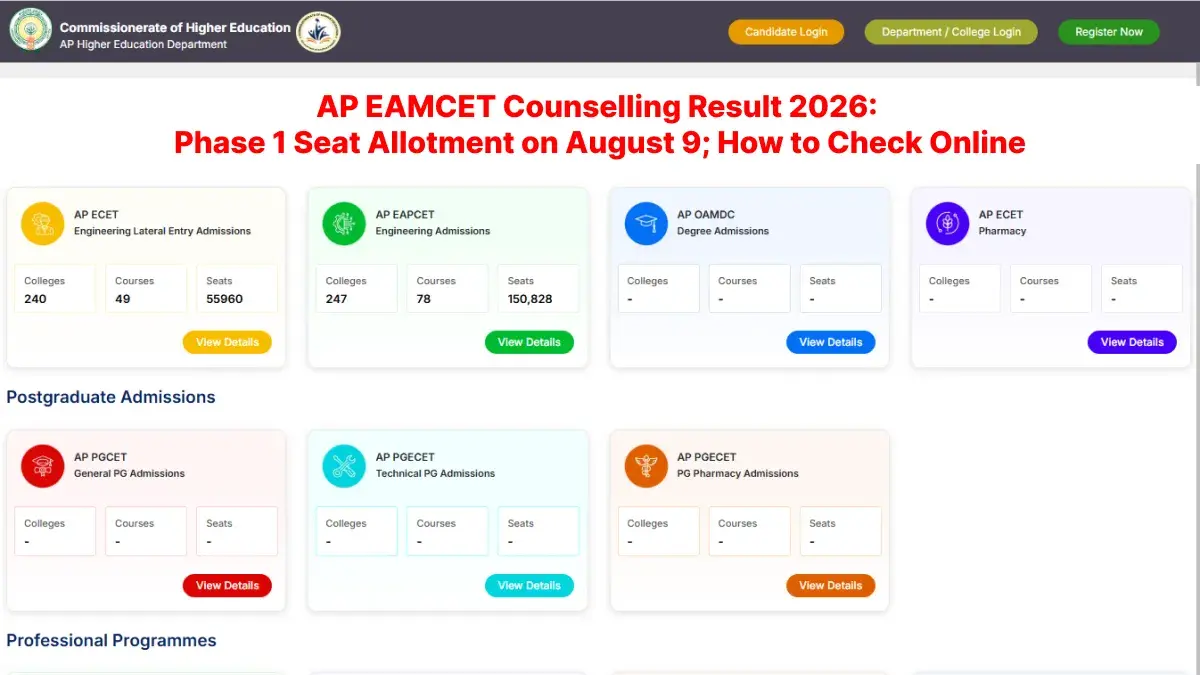


The AP EAMCET Counselling 2026 Phase 1 seat allotment result date has been finalized. As per the updated counselling schedule, the AP EAPCET Round 1 seat allotment result 2026 will be declared on August 9, 2026.
The time of releasing the result is not known yet. The release of the AP EAMCET Phase 1 seat allotment result is expected in the afternoon.
Once out, the candidates can view the AP EAMCET Phase 1 seat allotment result 2026 at the official website for counselling at cap.apcfss.in.
If a candidate gets seat in phase 1, then he/she needs to confirm the seat by downloading the allotment letter from the candidate login section. The process of self-joining needs to be done by the allotted candidates from August 10 to 15, 2026.
AP EAMCET Counselling 2026 Phase 1 Revised Schedule
The last date to complete AP EAMCET Phase 1 counselling registration was extended to August 1, 2026. Candidates can check the revised AP EAPCET counselling schedule below.
| Counselling Event | Revised Date |
|---|---|
| Online fee payment and candidate registration | July 20 to August 1, 2026 |
| Online verification of uploaded certificates by HLCs | July 22 to August 2, 2026 |
| Web options entry | July 25 to August 3, 2026 |
| Change of web options | August 4, 2026 |
| AP EAMCET Phase 1 seat allotment result | August 9, 2026 |
| Self-joining and reporting at the allotted college | August 10 to August 15, 2026 |

AP EAMCET Phase 1 Seat Allotment Result 2026 Date and Time
The Commissionerate of Higher Education has released the date for AP EAMCET 2026 Phase 1 seat allotment results.
According to the updated calendar, the results of the seat allotment process will be declared on August 9, 2026. Though the time for declaring the result has not been mentioned yet, the candidates may get their allotment results in the evening.
Candidates can view their seat allotment status by logging into the official counselling portal using their hall ticket number and other required login credentials.
Candidates who get a seat allotment need to download the allotment letter from the website. This letter will be useful for their college reporting and admission process.
AP EAPCET Counselling 2026: How to Download Phase 1 Allotment Result
The AP EAMCET Phase 1 seat allotment result will be released online on August 9, 2026. Candidates can follow these steps to check and download their result:
Step 1: Visit the official AP EAPCET counselling website at cap.apcfss.in.
Step 2: Click on the link for the AP EAMCET Phase 1 seat allotment result 2026.
Step 3: Enter your hall ticket number, date of birth and other required details.
Step 4: Submit the information to check your allotment status.
Step 5: Download the seat allotment letter and take a printout for future reference.
What to Do After AP EAMCET Phase 1 Seat Allotment
The candidates who get selected need to do the self joining procedure online within the stipulated time limit. The candidate is supposed to report to his/her allotted college from August 10 to August 15, 2026.
The candidate needs to report to the allotted college with his allotment letter, original certificates, and photocopies of those certificates. Admission will be considered only after the document verification process.
It is suggested that the candidates visit the official website of AP EAPCET counseling to know about the result link, reporting process, and admissions details.
-----------------




 Home
Home
 Quiz
Quiz
 Short News
 Web Story
 Get latest Exam Updates







