




 Sign in


 Profile
 Signout
BITSAT 2026 Session 2 Result Out: Steps to Download Scorecard, Direct Link Here
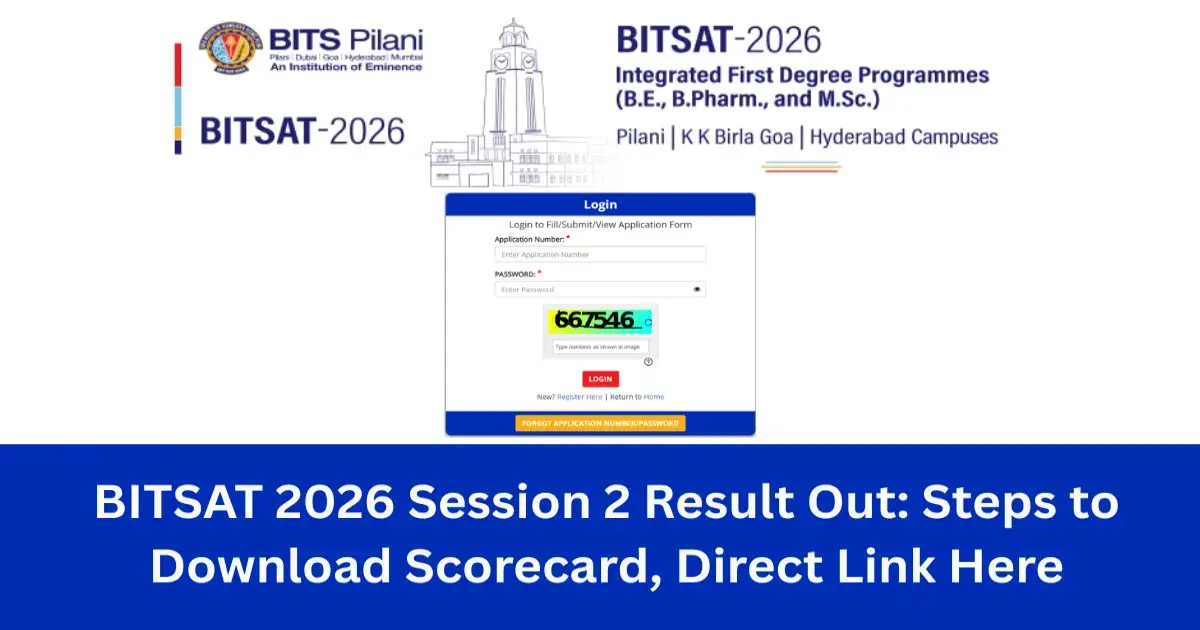


The Birla Institute of Technology and Science Admission Test (BITSAT) has activated the BITSAT 2026 result link at admissions.bits-pilani.ac.in. You can download your BITSAT scorecard from the website using your application number and password.
The BITSAT scorecard is released online only. You can open it using the direct link given below.
👉 Direct link: BITSAT 2026 Score Card Download
BITS Pilani will hold the BITSAT counselling based on the moderated scores, provided you meet the 75% criteria. Session 2 of BITSAT 2026 took place from May 25 to 27. Bookmark this page for full details on the BITSAT result 2026.
How to download BITSAT Scorecard 2026?
To download your scorecard, just follow these simple steps:
- Go to admissions.bits-pilani.ac.in.
- Click on the BITSAT 2026 result link.
- You'll be taken to the BITSAT login page.
- Enter your application number and password.
- Click on the BITSAT result tab.
- Your BITSAT scorecard will appear, ready to download.
Details Mentioned on BITSAT Scorecard
Make sure you check every detail printed on your scorecard. The BITSAT 2026 session 2 scorecard will show the following details:
- Candidate's name
- Candidate's photograph
- Application number
- Test date
- Test centre
- Moderated BITSAT score
- Category and rank (if applicable)
---




 Home
Home
 Quiz
Quiz
 Short News
 Web Story
 Get latest Exam Updates







