




 Sign in


 Profile
 Signout
CBSE 12th Supplementary Admit Card 2026 Out; Exam on July 28 - Direct Link Here
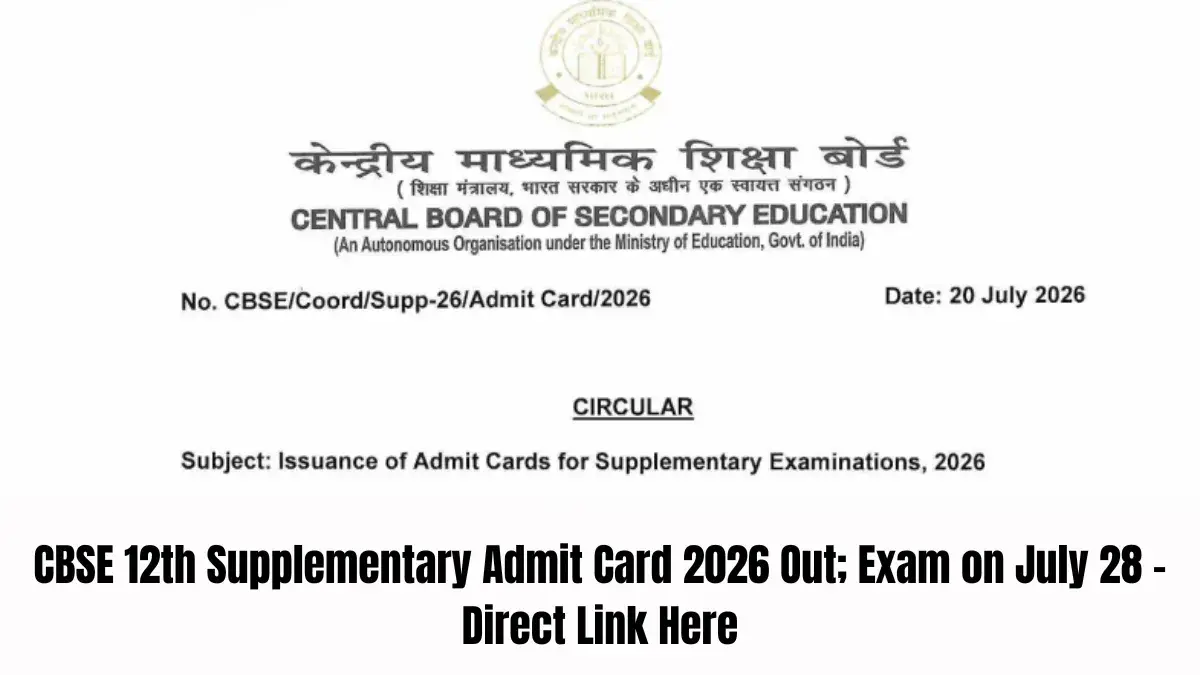

The Central Board of Secondary Education (CBSE) has issued the CBSE Class 12 Supplementary Admit Cards for the upcoming exam that is set to take place on July 28, 2026. Students who had applied for the supplementary exam can download their hall tickets either through their schools or download it online.
👉 Direct Link: CBSE 12th Supplementary Admit Card 2026
Admit cards have been issued for both regular and private candidates. It is essential for students to ensure that their admit cards have been duly signed and stamped before appearing for the exam.
CBSE Class 12 supplementary admit cards will be provided to the regular candidates through their schools. Schools have to log into Pariksha Sangam portal available at the CBSE website and download the admit cards and then distribute it among students.
The admit cards for the private candidates will be downloadable from the CBSE supplementary exam portal. They would require to provide the requisite login details to download their hall tickets.
Once the hall tickets have been downloaded, it is imperative for the private candidates to get it signed and stamped by the principal of the school from where they were last passed or by the centre superintendent of the allotted exam center.
CBSE Class 12 supplementary exam will start at 10:30 am on July 28, 2026. Students are supposed to attend the examination centers on time along with their hall tickets.
How to Download CBSE Supplementary Admit Card 2026
Regular and private candidates can follow the steps below to obtain their CBSE Class 12 supplementary hall tickets.
For Regular Candidates
- Schools should visit the CBSE Pariksha Sangam portal.
- Log in using the school credentials.
- Download the supplementary admit cards.
- Get the admit cards signed and stamped by the school principal.
- Distribute the admit cards to the registered students.
For Private Candidates
- Visit the CBSE supplementary examination portal.
- Enter the required login credentials.
- Download and print the admit card.
- Get it signed and stamped by the principal of the last attended school or the centre superintendent.
- Carry the signed admit card to the examination centre on July 28.
The students should properly look at all the details available on the CBSE supplementary admit card, such as name, roll number, subject details, exam center, and reporting time.
If there is any problem or lack of detail in the admit card, the candidate must inform his/her respective school or CBSE regional office so that the error can be sorted out before the exam.
CBSE has instructed all the candidates to follow the proper procedure for downloading the admit cards. It is necessary for the candidates to get the hall ticket signed and stamped as per the CBSE guidelines.
The candidate will not be permitted in the exam center without a proper CBSE Class 12 supplementary admit card.
----------------
👉 CBSE Class 12 Study Materials
CBSE Class 12 study material includes latest syllabus, sample papers, NCERT books and solutions, previous year question papers, chapter-wise important questions, case study questions, assertion-reason questions, and competency-based questions — all updated as per the latest CBSE board exam pattern.




 Home
Home
 Quiz
Quiz
 Short News
 Web Story
 Get latest Exam Updates







