




 Sign in


 Profile
 Signout
IISER 2026 Round 3 Seat Allotment Result Out: Direct Link and Steps to Check
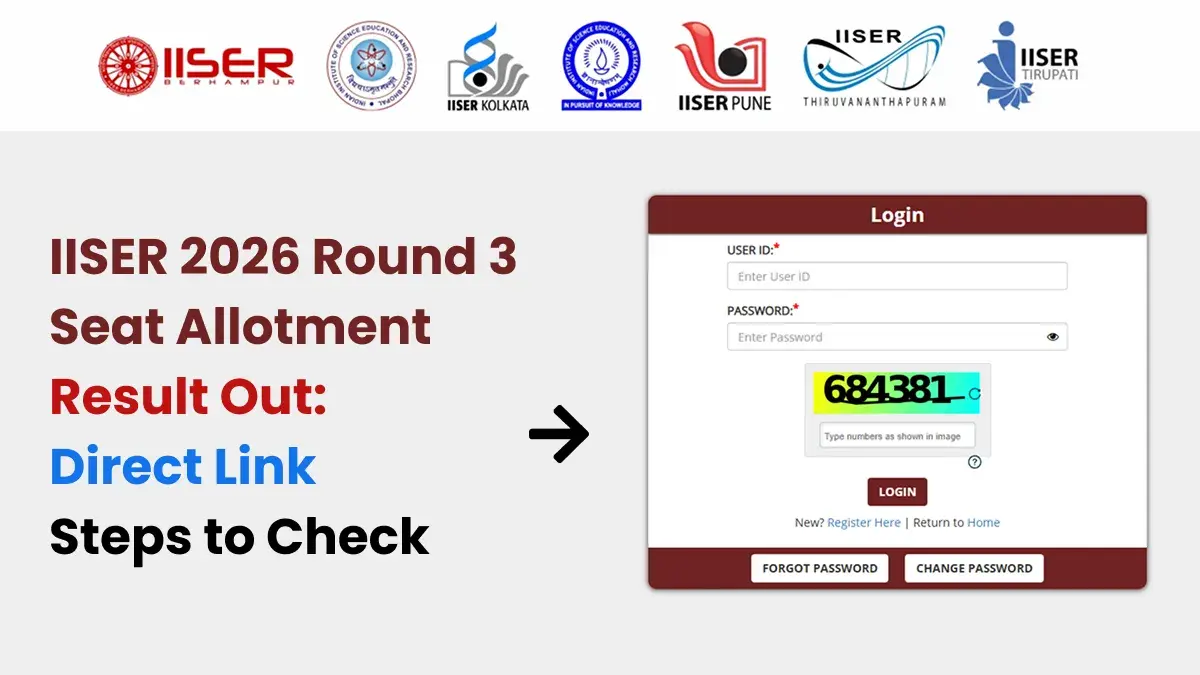


IISER 2026 Round 3 seat allotment result has been declared by the Indian Institutes of Science Education and Research. All those candidates who have appeared for IISER admission can see their allotment status.
Candidates who have got an allotment in the IISER 2026 Round 3 seat allotment result can log in to their account and see the same. They can download their offer letter as well.
👉 Direct Link: IISER Round 3 Seat Allotment Result
How to Check IISER 2026 Round 3 Seat Allotment Result?
Candidates need to take these steps in order to view the IISER seat allotment result 2026:
- Go to the direct link for the IISER Seat Allotment Result 2026 Round 3.
- Enter the login credentials.
- Click on the Round 3 Offer Letter button.
- Select the appropriate submission/decision tab.
- Select “Click Here to Submit Your Decision” option.
- View the offer letter.
- View the details related to the seat allotment on the screen.
- Make sure that the decision is submitted within the prescribed time frame.
It is advisable that candidates save the offer letter for future purposes related to admission.
What after IISER Seat Allotment?
Students who get an offer for the seat need to show their interest within the specified time frame.
The students have to pay the seat acceptance fee online using the net banking process or debit and credit cards.
The students are supposed to fulfill all the necessary admission procedures according to the schedule in order to keep the seat allotted to them.
------------
👉 JEE Main & Advanced Study Material




 Home
Home
 Quiz
Quiz
 Short News
 Web Story
 Get latest Exam Updates







