




 Sign in


 Profile
 Signout
IISER IAT 2026: Document Upload Window Opens, Answer Key Objection Closes Today
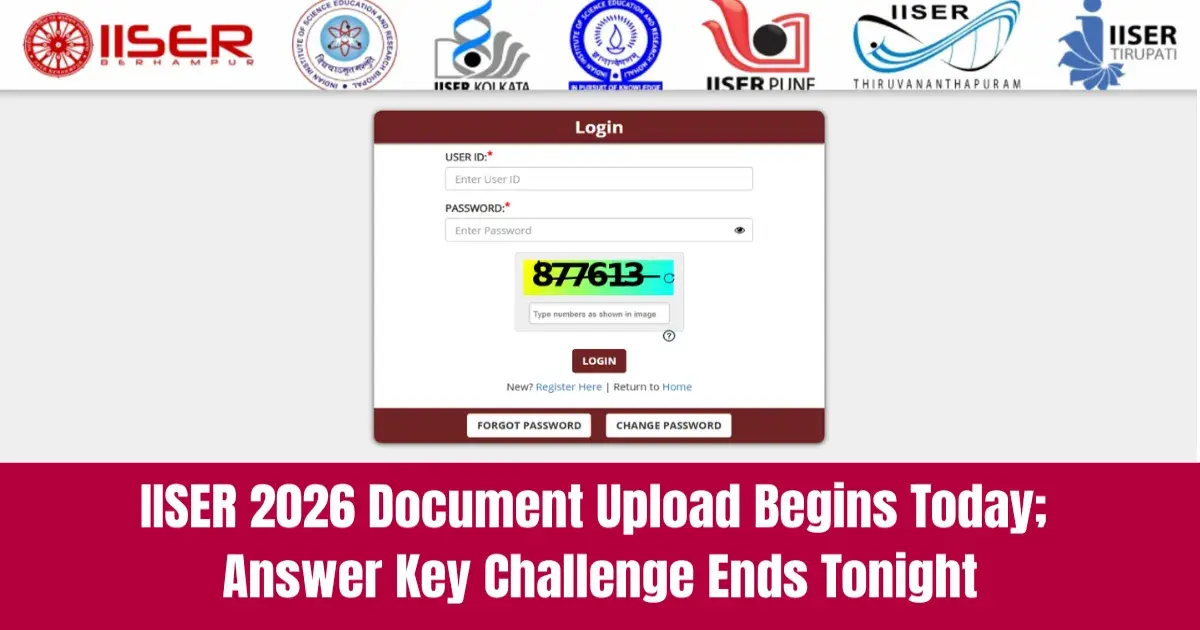


The Indian Institute of Science Education and Research (IISER) will open the IISER 2026 application portal today, June 13, 2026, for document uploading. The authority will activate the link online at iiseradmission.in.
👉 Direct Link: IISER 2026 Answer Key Objection
The portal will stay open until June 21, 2026. On the same day, the IISER 2026 answer key objection portal will close at 11:55 PM.
Key Details at a Glance
| Activity | Date |
|---|---|
| Document upload window opens | June 13, 2026 |
| Document upload window closes | June 21, 2026 |
| Answer key objection portal closes | June 13, 2026 (11:55 PM) |
| Official website | iiseradmission.in |

Important Information About Document Upload
Candidates need to keep a few things in mind before they start. Here's what you should know:
- You'll need your login credentials to access the document upload portal.
- These are the documents that you can upload or replace if applicable to you.
- GEN-EWS certificate/OBC-NCL certificate issued from or after April 1, 2026.
- Class 12 marksheet (or an equivalent document).
Points to Remember
- Please verify all certificates before uploading them.
- Date by which these documents have to be uploaded – June 21, 2026
- Ensure that your documents are free from any errors.
IISER 2026 Answer Key Objection
The authority will shut down the objection portal for the IISER 2026 answer key at 11:55 PM today. You have the option to file an objection online via the IAT login portal.
----
👉 JEE Main & Advanced Study Material




 Home
Home
 Quiz
Quiz
 Short News
 Web Story
 Get latest Exam Updates







