




 Sign in


 Profile
 Signout
Odisha Plus Two Result 2026 Will Be Declared Today at 12:30 PM
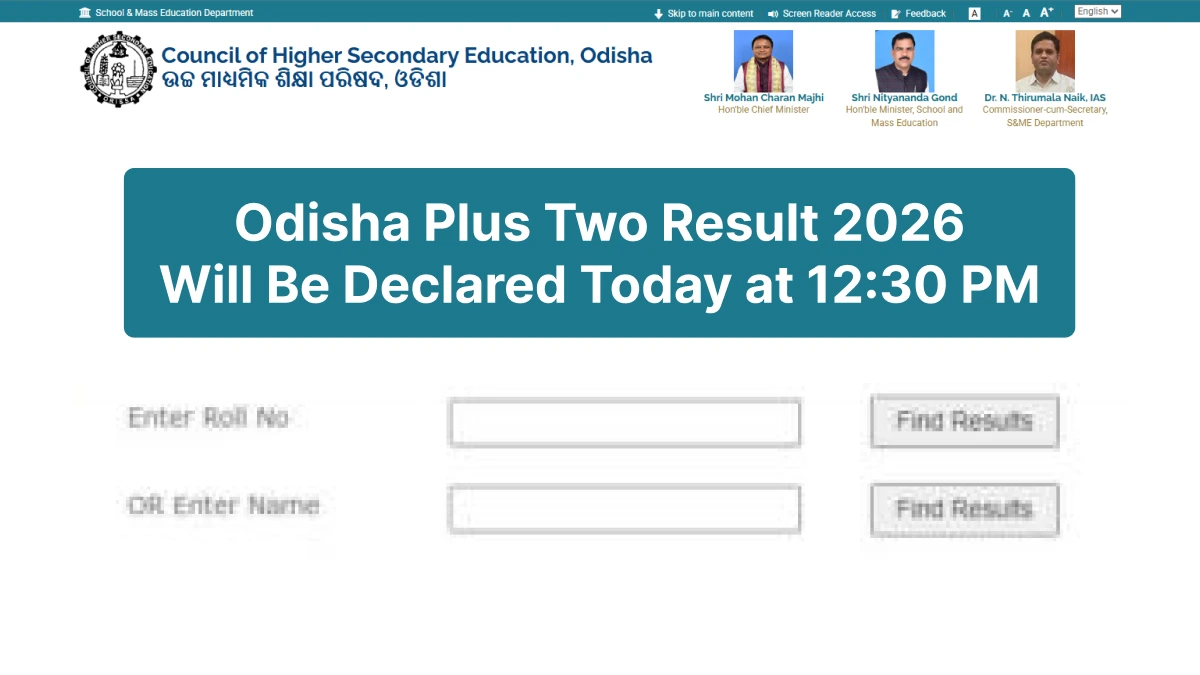


The Council of Higher Secondary Education (CHSE), Odisha, will announce the Odisha Class 12 (or Plus Two) 2026 results for Arts, Science, Commerce, and Vocational streams today at 12:30 PM at its office located in Samantapur, Bhubaneswar. Once the results are declared, students will be able to access their mark sheets via the official website, chseodisha.nic.in.+
👉 Direct Link - Odisha Board Class 12 Result 2026
This year, over 41 lakh students appeared for the CHSE Odisha Class 12 annual examinations. Students should note that the results available online are provisional in nature; the original mark sheets can be obtained from their respective schools.
How to Check Odisha Board Class 12 Result 2026?
You can download the CHSE Odisha Plus Two 2026 results by following the steps given below:
- Visit the official website: chseodisha.nic.in.
- Click on the 'Odisha Class 12 Results 2026' link on the homepage.
- Enter your Roll Number and Registration details in the required fields.
- Click on the 'Submit' button, and the CHSE Odisha Plus Two 2026 result will appear on the screen.
- Download the provisional marksheet and save it for future reference.
Details Mentioned on the Odisha Plus Two Marksheet
Students must verify the following details on the provisional scorecard:
- Student's Name
- Roll Number
- Registration Number
- Stream Name
- Subject-wise Marks
- Total Marks Obtained
- Result Status
- Division/Category
------
Odisha Board Class 12 Study Material
| Odisha Board Class 12 Study Material | |
| Odisha Board Class 12 Books | Odisha Board Class 12 Syllabus |
| Odisha Board Class 12 Model Paper | |



 Home
Home
 Quiz
Quiz
 Short News
 Web Story
 Get latest Exam Updates







