




 Sign in


 Profile
 Signout
AP EAMCET 2026 Answer Key Out: Raise Objections by May 27; Direct link to Download Here
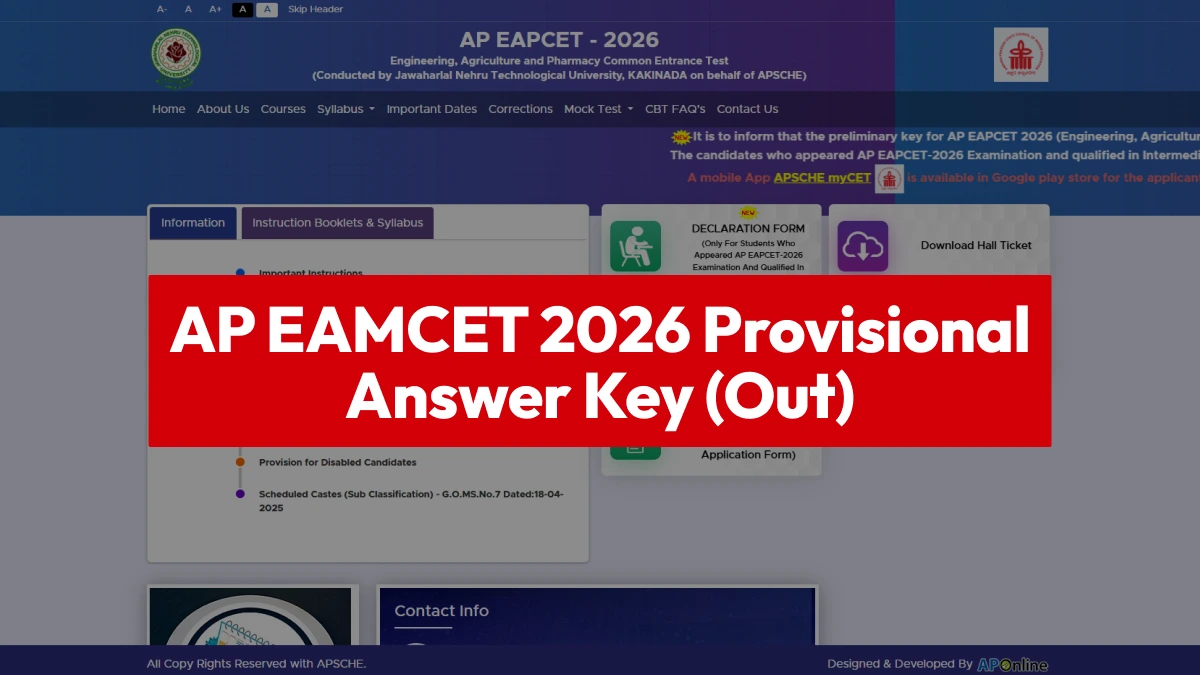

The Andhra Pradesh State Higher Education Council (APSCHE) has released the provisional answer key for the Engineering, Agriculture, and Pharmacy Common Entrance Test (AP EAMCET) 2026 on the official APSCHE website, cets.apsche.ap.gov.in.
👉 Direct Link - AP EAMCET 2026 Provisional Answer Key
To view the answer key and response sheets, applicants must enter their details, including their registration number and EAMCET hall ticket number. After reviewing the objections, the authorities will release the final answer key and results for AP EAMCET 2026.
APSCHE has also initiated the objection-filing process for candidates wishing to challenge any answer in the provisional answer key. Candidates can submit objections until May 27, 2026, by paying a fee of ₹300 per question.
If an objection submitted by a candidate is deemed valid by the expert committee, the objection fee will be refunded. After reviewing all objections, APSCHE will release the final answer key along with the AP EAMCET 2026 results. As per the scheduled timeline, the results will be declared on June 1, 2026.
AP EAMCET 2026 Answer Key: Steps to Download
Candidates can follow the steps below to check and download the provisional answer key:
- Visit the official website—the official APSCHE portal.
- Click on the “AP EAMCET 2026 Answer Key” link available on the homepage.
- Select your stream and subject paper.
- The PDF of the provisional answer key will appear on the screen.
- Download the PDF and save it for future reference.
- Candidates can also download their response sheets to calculate their estimated scores.

AP EAMCET 2026 Answer Key: How to Raise Objections
Candidates can follow the steps below to raise objections against the provisional answer key:
- Visit the official APSCHE website.
- Click on the “Objections on Preliminary Key” link.
- Log in using your Registration Number and Hall Ticket Number.
- Select the number of the question against which you wish to raise an objection.
- Enter the correct answer along with a suitable explanation.
- Upload supporting documents, if required.
- Pay the prescribed objection fee.
- Carefully review all details and submit the objection form.
- Download and save the acknowledgment receipt.
---



 Home
Home
 Quiz
Quiz
 Short News
 Web Story
 Get latest Exam Updates







