




 Sign in


 Profile
 Signout
SRMJEEE 2026 Phase 2: Slot Booking Window Opens June 6 for B.Tech Admissions
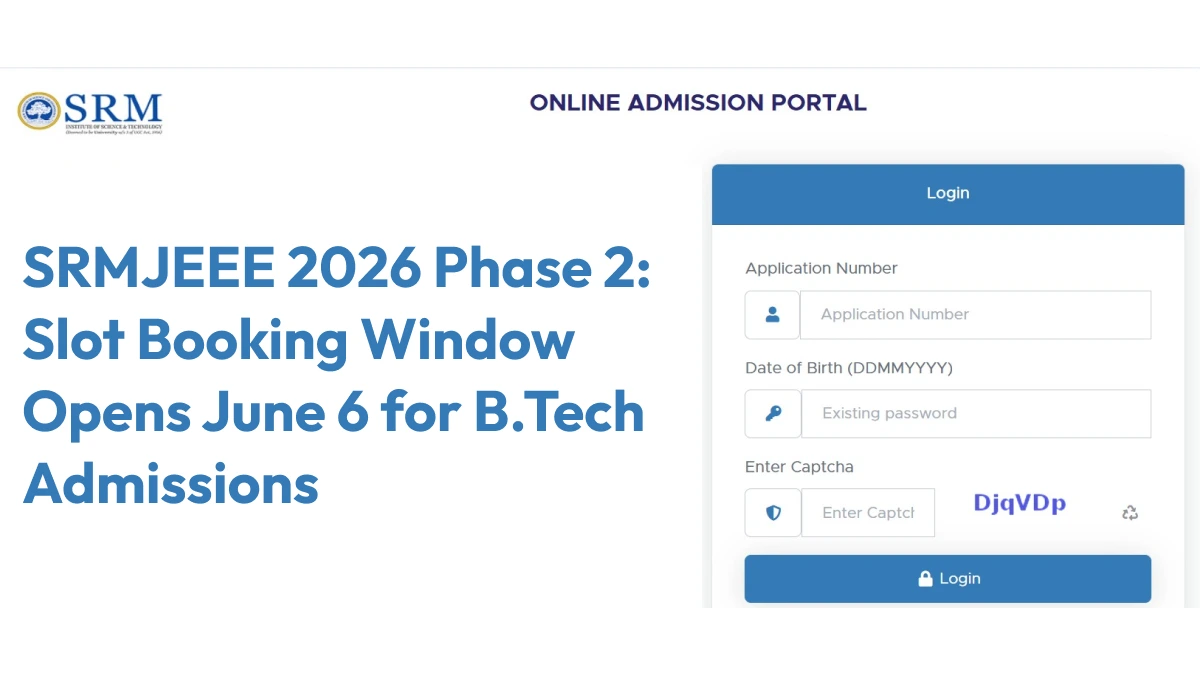


The SRM Institute of Science and Technology is letting students know when they can sign up for the slots to take the SRM Joint Engineering Entrance Exam (SRMJEEE) 2026, phase two. This is for people trying to get into the B.Tech programs.
👉 Direct Link: SRMJEEE 2026 Phase 2 Slot Booking
From June 6 to June 7, hopefuls need to head over to the applications.srmist.edu.in website to reserve their spots. Missing this deadline isn’t great because if you don’t pick your own slot, the school assigns one to you randomly when there’s still space.
Candidates have been told to move fast since selection is first-come, first-served. The exam itself runs from June 10 to June 15, and here’s the kicker – it’s all online from home with remote proctors keeping an eye on things.
SRMJEEE 2026 Phase 2: How to Book Exam Slot
Here are the steps given below to book a slot for the SRMJEEE 2026 phase 2 exam.
- Go to the official website at admissions.srmist.edu.in.
- On the homepage, enter application number and date of birth.
- Click on the slot booking option.
- Select your exam date and slot.
- Click on the submit button.
- SRMJEEE 2026 slot will be booked.
The result for SRMJEEE 2026 phase 2 will be declared in late June 2026. The institute will also prepare a merit list on the basis of their best score.
-----



 Home
Home
 Quiz
Quiz
 Short News
 Web Story
 Get latest Exam Updates







