




 Sign in


 Profile
 Signout
SRMJEEE Result 2026 Phase 3 Out: Direct Link to Download SRM BTech Rank List
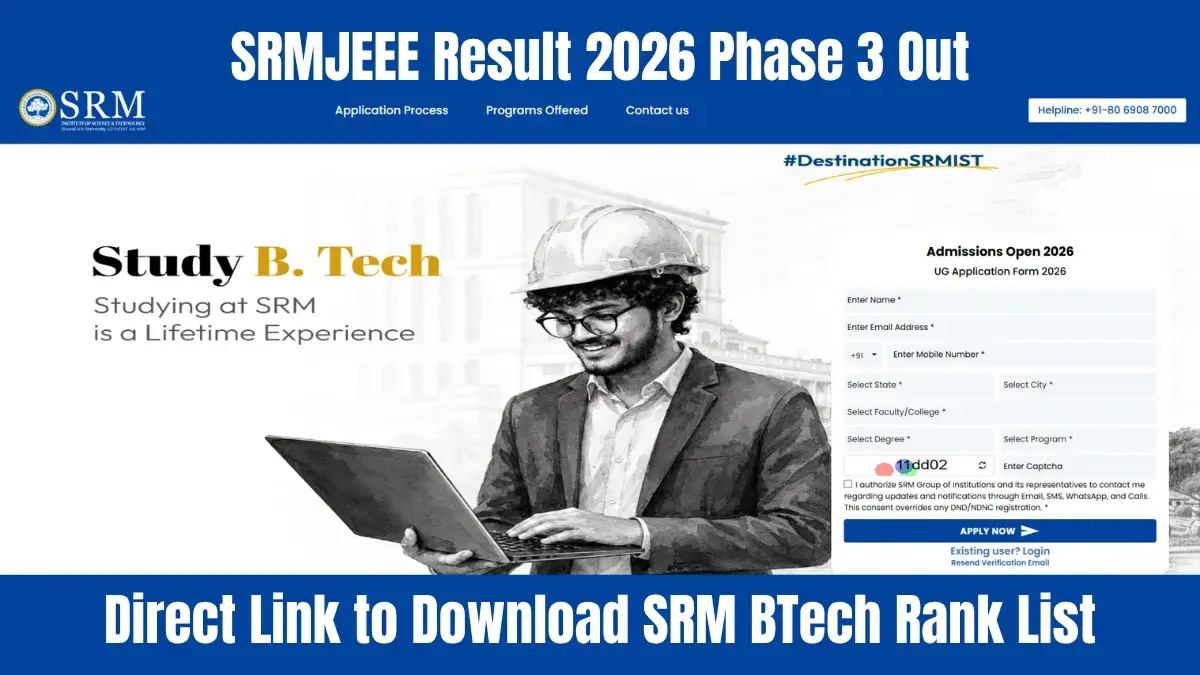

SRM Institute of Science and Technology (SRMIST) has declared the SRMJEEE 2026 Phase 3 result on July 9, 2026. Candidates can check it on the official website, srmist.edu.in. If you appeared for the Phase 3 exam, you can view your SRMJEEE result 2026 by logging in with your hall ticket number and password.
👉 Direct Link: SRMJEEE Phase 3 Result 2026
The SRMJEEE Phase 3 result 2026 shows your score, rank, qualifying status, and other key details. Candidates who've qualified can take part in the SRMJEEE 2026 counselling process. Before this, SRMIST released the Phase 1 result on May 5, 2026, and the Phase 2 result on June 22, 2026.
How to check SRM results for B.Tech?
- Visit srmist.edu.in.
- Click on the "SRM Exam Results" link.
- Enter your SRM login details – email ID and password.
- Click on "Submit".
- Your SRMJEEE result 2026 will appear on the screen.
- Download the SRM BTech result 2026 and take a printout.

SRMJEEE 2026 Result – Details Mentioned
Here's what you'll find in your SRMJEEE result:
- Candidate's name.
- Candidate's roll number.
- SRMJEEE application number.
- Candidate's photograph along with a digital signature.
- Candidate's contact details.
- SRMJEEE percentile score.
- SRMJEEE rank.
- SRMJEEE qualifying status (whether you've passed or not).
- Merit rank.
---
JEE Main & Advanced Study Material



 Home
Home
 Quiz
Quiz
 Short News
 Web Story
 Get latest Exam Updates







