




 Sign in


 Profile
 Signout
CBSE 10th Result 2026 OUT: Download Scorecard, Direct Link & How to Check Marks
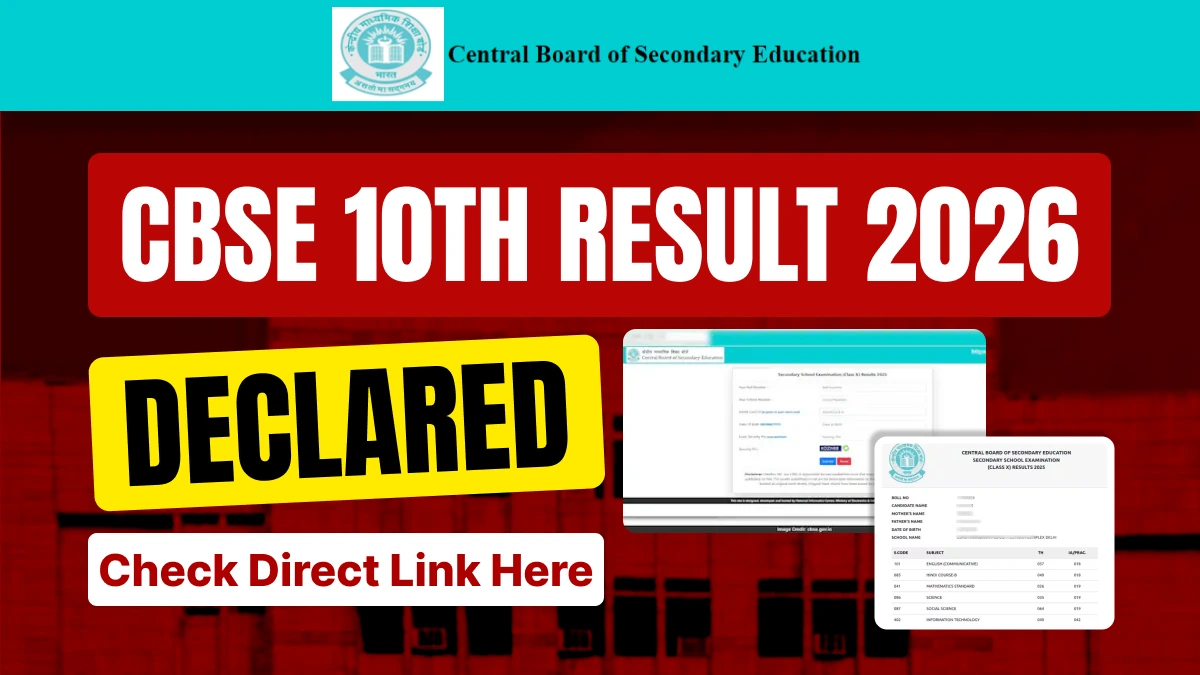

CBSE 10th Result 2026 Out: The wait is finally over for lakhs of CBSE Class 10 students. The CBSE Board has officially released the CBSE Class 10 results for 2026. Students can check their scorecards by visiting cbse.gov.in and results.cbse.nic.in.
In addition to the official website, you can also check your CBSE Class 10th Results 2026 via direct links on the FastResult.in website and mobile app.
👉 Direct Link : CBSE 10th Result 2026
👉 DigiLocker Direct Link - CBSE Board 10th Result 2026
Additionally, students will also be able to check their results via DigiLocker and the UMANG App. Students whose APAAR IDs are already linked with CBSE records can access their results by navigating to the 'Issued Documents' section within DigiLocker.
Such students will need to log in to DigiLocker using their Aadhaar card number. If a student does not possess an APAAR ID, they will need to create an account.
Along with the CBSE Class 10 results for 2026, view the names of toppers, their marks, districts, and comprehensive result statistics—including stream-wise and gender-wise performance. Get complete details regarding this year's success.
CBSE Class 10th Result 2026: Check Your Results on These Websites
Students can check their results by visiting several official websites. These include:
- results.cbse.nic.in
- cbse.gov.in
- results.nic.in
- results.digilocker.gov.in
- umang.gov.in
- cbse.nic.in
How to Check CBSE 10th Results? — Easy Steps
Step 1: First, visit the official website: results.cbse.nic.in
Step 2: Click on the "Class 10 Result 2026" link on the homepage
Step 3: Enter your Roll Number, School Number, Admit Card ID, and Date of Birth
Step 4: Enter the Security PIN and click the 'Submit' button
Step 5: Your result will appear on the screen
Step 6: Download the result and take a printout
Check CBSE Class 10 Result 2026 via the UMANG App
Step 1: Download the UMANG App on your phone or visit umang.gov.in
Step 2: Log in using your mobile number
Step 3: Type "CBSE Board" in the search bar and search
Step 4: Select your class (Class 10)
Step 5: Enter your Roll Number and Date of Birth
Step 6: Your digital scorecard will instantly appear on the screen
Step 7: Download the marksheet and save it for future reference
Check CBSE Class 10 Result 2026 via DigiLocker
Step 1: Visit digilocker.gov.in or open the DigiLocker App
Step 2: Log in using your Aadhaar Number
Step 3: Go to the "Issued Documents" section
Step 4: You will find the CBSE Class 10 Marksheet 2026 listed there
Step 5: Click on the marksheet to download the PDF
Step 6: You can share it directly with colleges or any other institution
Note: Students whose APAAR ID is already linked with CBSE will automatically find their marksheet in the "Issued Documents" section. Those who do not have an APAAR ID must first create an account by visiting cbseservices.digilocker.gov.in.
CBSE 10th Result 2026: Essential Details to Check on the CBSE Board Marksheet
- Student's Name
- Mother's Name
- Father's Name
- School Code
- School Name
- Subject-wise Marks
- Total Marks Obtained
- Grade/Passing Division
- Result Status (Pass/Fail/Compartment)
CBSE adopts a 'Relative Grading' system for assigning grades in Class 10. CBSE believes that this is a more scientific approach compared to 'Absolute Grading.' In 'Absolute Grading,' grades are awarded based on pre-determined cut-off levels.
For instance, students scoring between 91 and 100 marks are awarded A1; those scoring between 81 and 90 marks receive A2; those scoring between 71 and 80 marks receive B1, and so on.
--
👉 CBSE Class 10 Study Materials
CBSE Class 10 study material includes latest syllabus, sample papers, NCERT books and solutions, previous year question papers, chapter-wise important questions, case study questions, assertion-reason questions, and competency-based questions — all updated as per the latest CBSE board exam pattern.




 Home
Home
 Quiz
Quiz
 Short News
 Web Story
 Get latest Exam Updates







