




 Sign in


 Profile
 Signout
GATE 2027 Registration Last Date Today: Apply with Late Fee at gate2027.iitm.ac.in
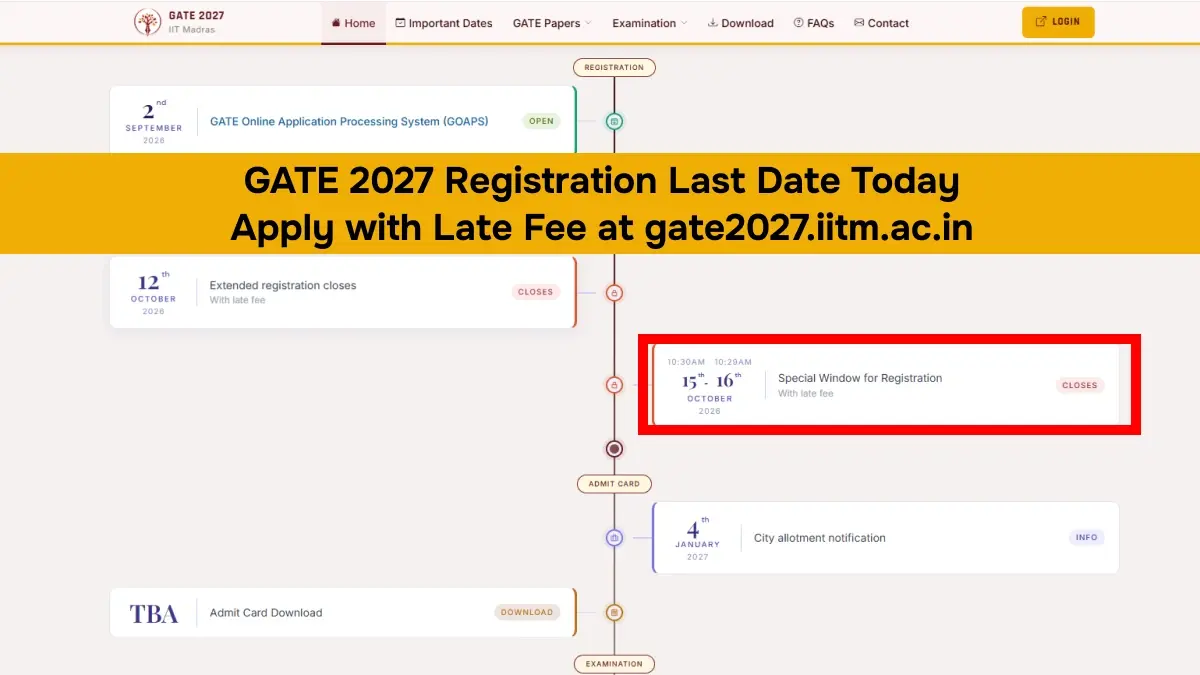

The Institute of Technology, Madras has released the registration fee details along with other application-related information of those students who wish to appear for the GATE examination 2027.
Candidates can check the status of their application using their enrollment number and password. Those applicants whose applications are being reviewed must keep checking their email for deficiencies.
👉 Direct Link: GATE 2027 Registration
GATE 2027 Registration Fees
Candidates who are aspiring to take the GATE 2027 examination must remit the application fee through an online payment process. The application fee that has to be paid by female, PwD, and SC/ST categories of candidates is INR 1,500, while others have to remit INR 2,500.
The candidates who apply for two GATE 2027 examinations must pay double of the relevant application fee.
GATE 2027 Application Status: Form Under Scrutiny
The candidates can check their status regarding their GATE 2027 application through the use of their registration number and password. Normally, the entire process of an application takes about 15 to 20 days although, in some cases, it may take even longer.
Where there is an indication that the application status is under scrutiny, this means that the application is being examined by the relevant authorities. If there are any mistakes noted in the documents uploaded or in the application details, GATE officials will notify the candidate of this through his/her registered email. The period for making the corrections will also be included in this notification.
Therefore, candidates need to keep checking on their application status and email.
How to Edit GATE 2027 Application Form
Candidates can follow these steps to make corrections in their GATE 2027 application form:
- Visit the official GATE 2027 website at gate2027.iitm.ac.in.
- Click on the candidate login option.
- Enter your enrolment ID and password.
- Open the application dashboard.
- Select the details that need to be corrected.
- Make the required changes and pay the applicable correction fee.
- Submit the corrected form.
- Download the confirmation PDF for future reference.
What Can Be Edited in GATE 2027 Application Form?
IIT Madras allows candidates to make changes to certain details during the GATE 2027 application correction process. These include:
- Name
- Date of Birth
- Gender
- PwD status
- Category
- Parent/Guardian/Correspondence address
- College information
- Examination centre
- GATE paper
What Cannot Be Edited During GATE 2027 Correction?
Candidates cannot change their uploaded photograph and signature during the regular correction process. However, if these documents are flagged by the authorities during application scrutiny, candidates may be asked to correct or re-upload them as per the instructions provided.
GATE 2027 Application Correction Fees
The application correction charge will depend on the type of change asked for. One can take a look at the information given below:
- - Changes to name, date of birth, exam city, previous papers, gender, or category: Rs. 500.
- - Transfers from female to another gender, SC/ST to another category, and PwD/Dyslexic to Non-PwD/Dyslexic: Rs. 1,500 including the Rs. 500 correction charge along with Rs. 1,000 extra.
- - The GATE 2027 Application correction charge can be paid through Net Banking, Credit Card, Debit Card, or UPI.
👉 GATE Study Material
GATE 2027 complete study material. Download full notes, previous year papers with solutions, mock tests and updated syllabus for all branches and subjects here.
| GATE Study Material | |
| Gate Full Study Material | Gate Previous Year Question Paper |
| Gate Mock Test | Gate Syllabus 2027 |




 Home
Home
 Quiz
Quiz
 Short News
 Web Story
 Get latest Exam Updates







